Desktop Speakers

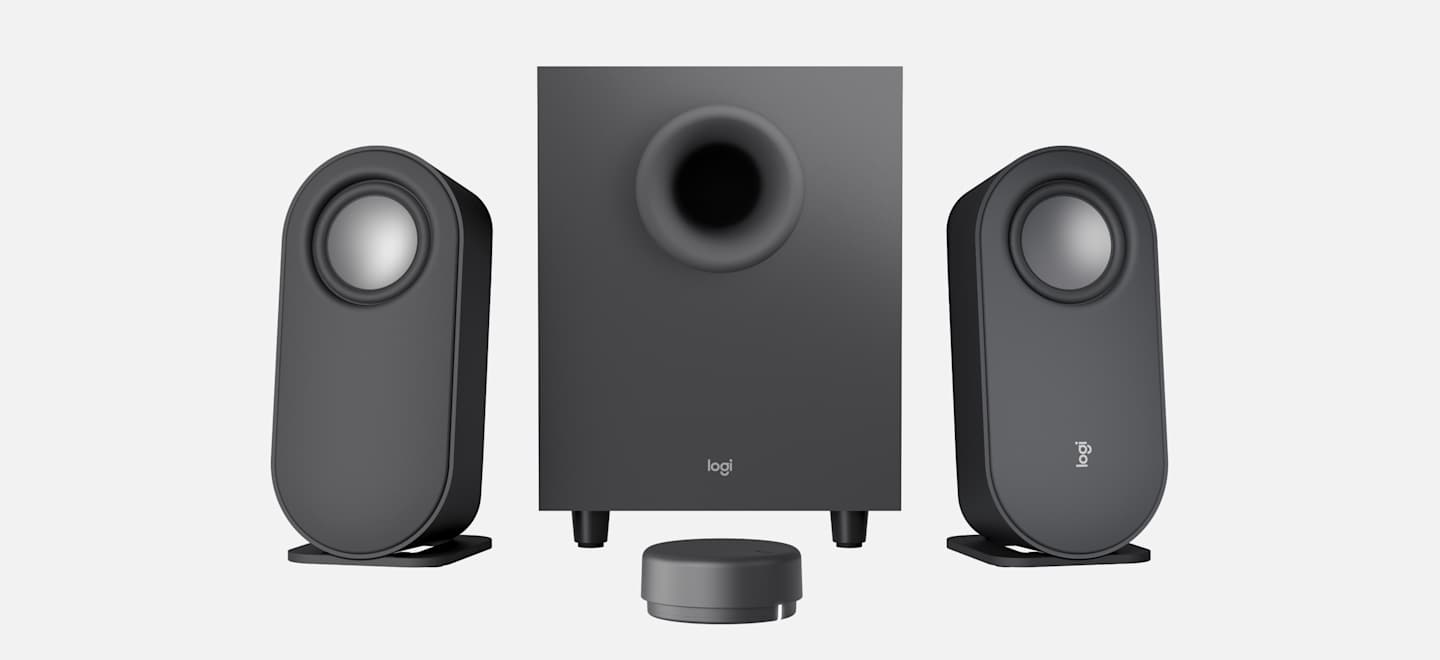
Logitech Z407 computer speakers: two satellite speakers, a subwoofer, and the round wireless control dial

The speakers built into a computer or monitor sound thin and harsh. A pair of desktop speakers fixes that for good — clearer voices on video calls, fuller music, and movies you can actually hear.

Why Logitech is a top contender — and where others win

Logitech is one of the best names in desktop speakers, and reviewers keep them at the top. But they are not the best at everything — here is the honest picture.

  1. Logitech wins on flexibility and value. The Logitech Z407 is GamesRadar's best overall pick for 2026: two speakers plus a subwoofer, Bluetooth, USB, and a regular audio cable — all three. It even comes with a wireless dial so you can turn the volume up from across the room without reaching behind the computer.
  2. Edifier wins on pure music sound. PCGamesN ranks the Edifier R1280DB as the best computer speakers overall, calling it the top choice for music and everyday listening. Its wooden cabinets give music a warm, full sound that plastic speakers cannot quite match.
  3. Creative wins on budget. The Creative Pebble V3 costs less than $35 and plugs in with a single USB cable. Reviewers say it sounds far better than anything near its price.
  4. For big sound that lasts, Klipsch. The Klipsch ProMedia 2.1 is the pick for the biggest sound under $200, and owners report theirs working fine after eight years or more.

The top picks

Logitech Z407: two satellite speakers, a subwoofer, and the round wireless control dial

Logitech Z407 — best all-around

Two speakers plus a subwoofer for deep bass, a wireless control dial (volume and bass from across the room), and three ways to connect: Bluetooth, USB, or a regular audio cable. The speakers can stand upright or lie flat under a monitor. Mid-range price, usually around $100. Best if: you want one set that does everything well.
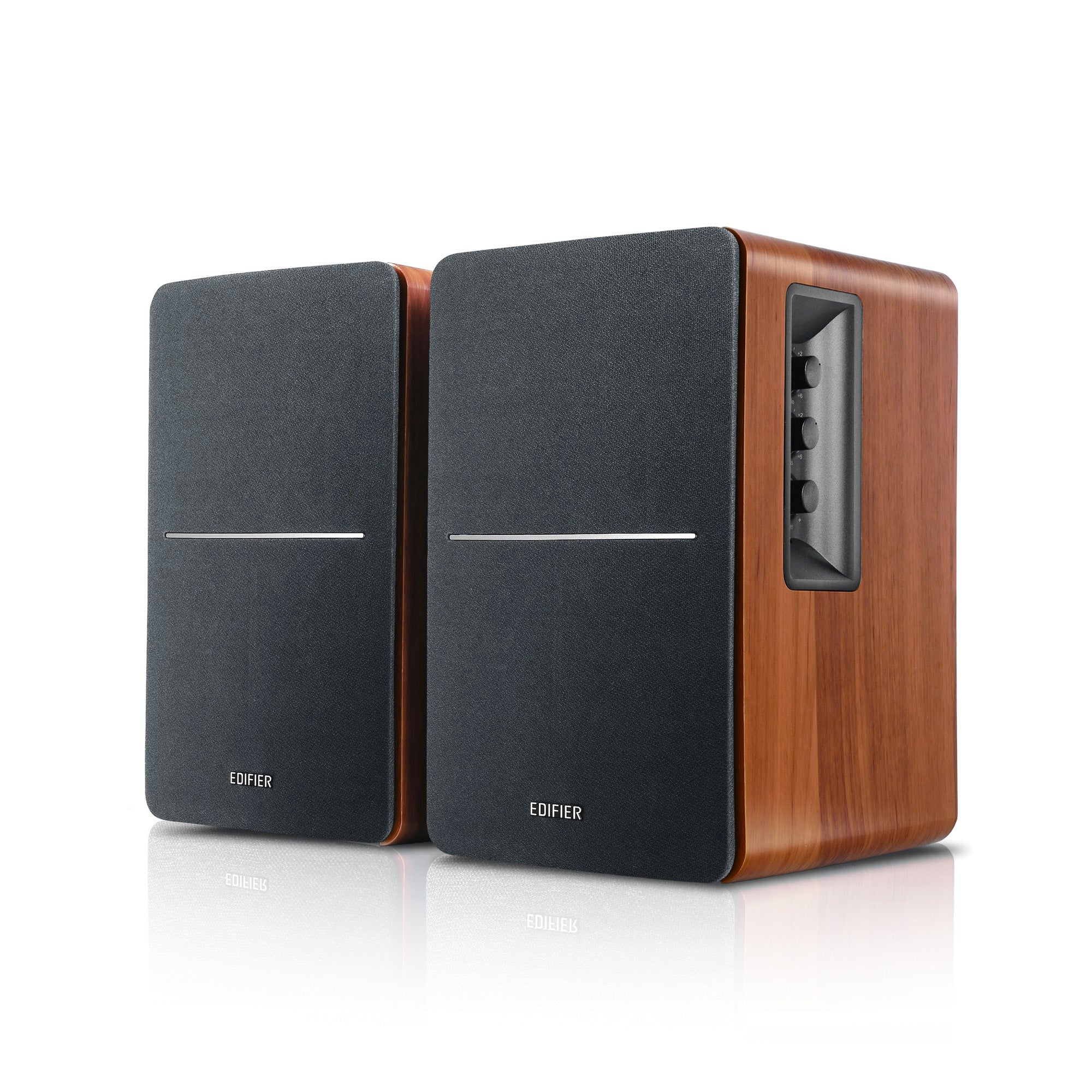
Edifier R1280DB bookshelf speakers in wood finish with side controls

Edifier R1280DB — best for music

Wooden bookshelf-style speakers with a warm, full sound that reviewers rate above everything else for music. Bluetooth plus a remote control, so you can stream from your phone. No subwoofer — the cabinets provide the body. A step up in price. Best if: you mostly listen to music.

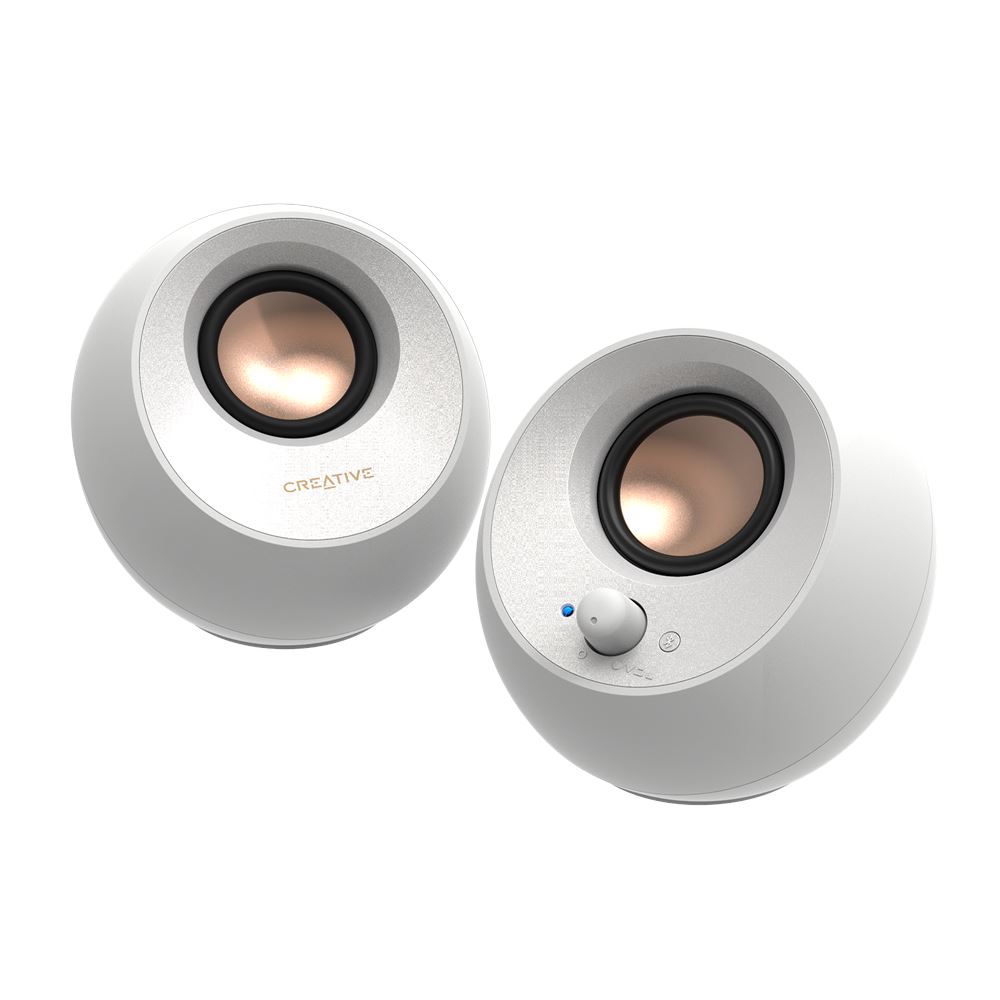
Creative Pebble V3: tiny round white USB speakers

Creative Pebble V3 — best budget

Tiny round speakers that plug into the computer with one USB cable — no power brick, no fuss. Under $35 and a huge step up from built-in speakers. Best if: you want better sound for the least money and the simplest setup.

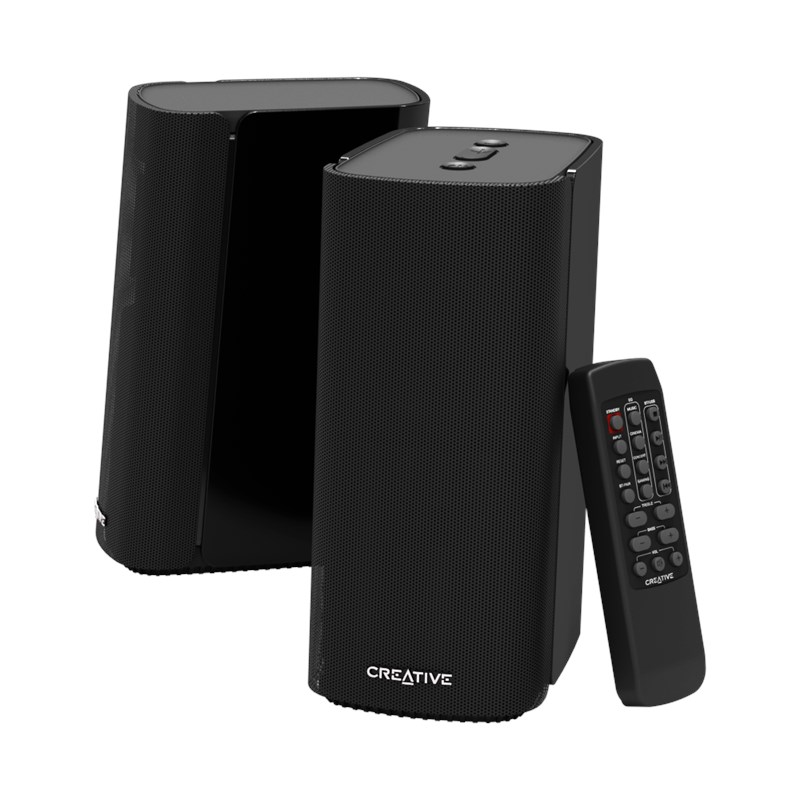
Creative T100: tall black desktop speakers with remote control

Creative T100 — best simple pair under $100

Clean-looking speakers with clear sound and Bluetooth, no subwoofer to find floor space for. A good middle ground: nicer than the budget picks, simpler than a full 2.1 system. Best if: you want good sound without extra boxes.

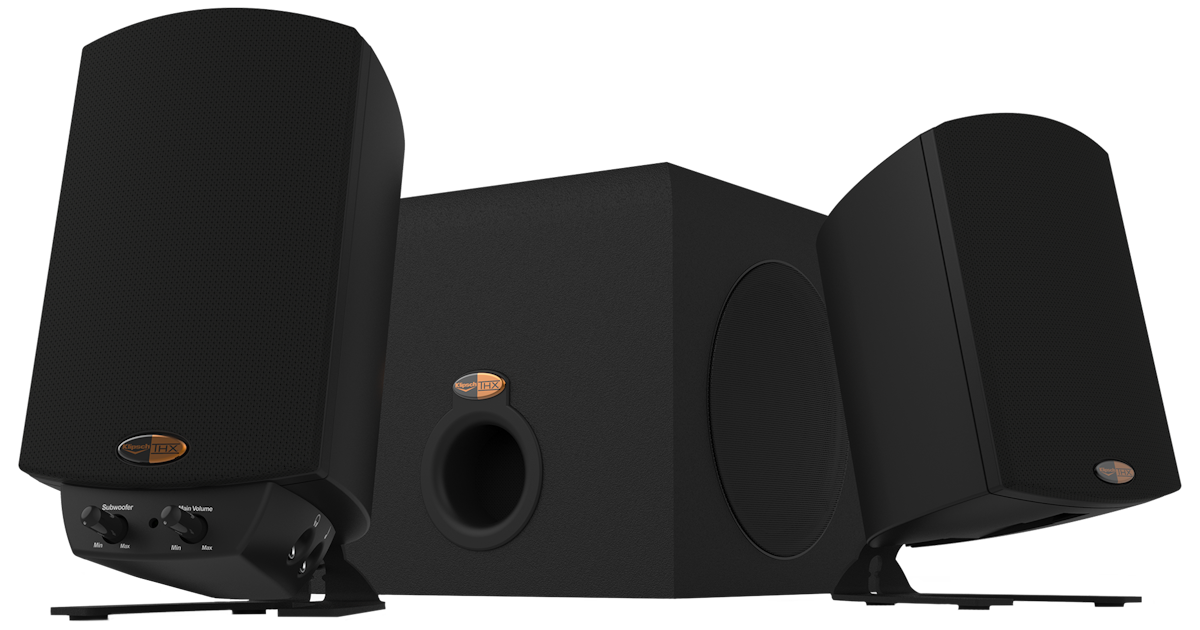
Klipsch ProMedia 2.1: two satellite speakers and a subwoofer

Klipsch ProMedia 2.1 — biggest sound

The most powerful sound on this list, with a subwoofer that you can feel. Owners keep them for years — a buy-it-once choice. Under $200. Best if: movies and music matter most and you have the desk space.

Hooking them up, in plain words

Narrated tutorial: hooking up desktop speakers.
  1. The green cable: most speakers connect with a standard audio cable that plugs into the green headphone or speaker jack on the computer. That is the whole setup for basic models.
  2. USB models: plug the USB cable in and the computer usually switches to the speakers on its own. Some models get both power and sound through one USB cable.
  3. Bluetooth models: hold the speaker's Bluetooth button until the light blinks, then pick the speakers from the Bluetooth list on your computer or phone.
  4. Still hearing the computer's own speakers? After plugging in USB or Bluetooth speakers, the computer sometimes keeps using its built-in speakers until you tell it to switch. Windows: open Settings → System → Sound, and under Output pick your new speakers. Mac: open System Settings → Sound → Output, and pick your new speakers there. The green-cable speakers never need this step — the cable itself makes the switch.
  5. Where everything goes: put the subwoofer on the floor under or beside the desk — bass sounds better low. Set the two small speakers at ear level, angled to face you.
  6. Volume: set the computer's volume to about 80%, then use the speaker's own knob or dial for day-to-day control. That gives the cleanest sound.

How to choose

Card note: prices shift with sales — the prices here are rough guides, not quotes. The picks are about features and sound, which do not change.

When to call Sean instead

🎬 Watch it: Hooking up desktop speakers

Straight 2 Work Tech, LLC — patient, plain-words tech help.
(813) 770-6082