An e-reader is a small tablet made for one job — reading books. The screen looks like paper instead of a glowing phone screen, so it is gentle on tired eyes. One charge lasts for weeks, and it holds thousands of books in something lighter than a paperback.
What an e-reader does for you
A screen like paper. It uses electronic ink — no glare in sunlight, and it does not shine in your face like a phone.
Thousands of books in one place. 16GB of storage holds roughly 16,000 books.
The ones worth knowing
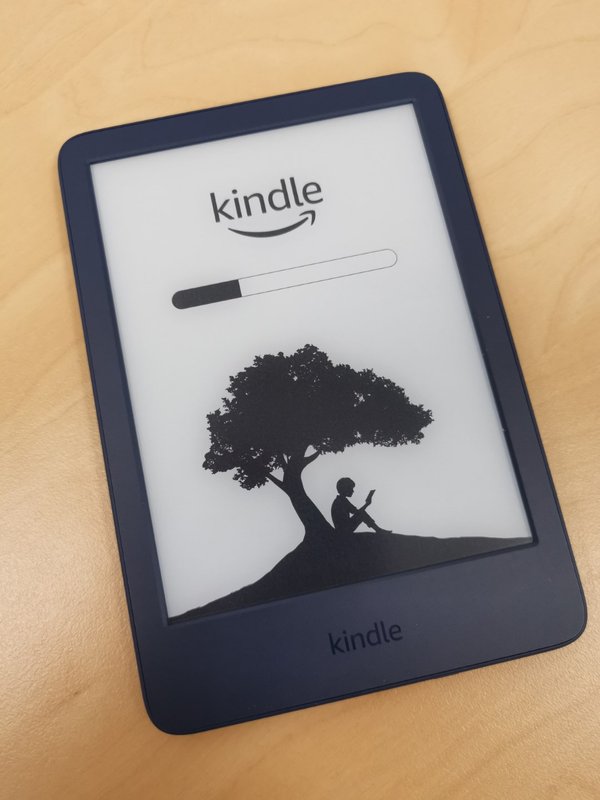
Kindle (basic) — the affordable start
This is the one I point budget shoppers to. Around $150 gets you Amazon's entry Kindle: a sharp 6-inch screen, a built-in light for reading in the dark, and USB-C charging. It is not waterproof and there is no warm night light. A fine first e-reader if you want to spend as little as possible.
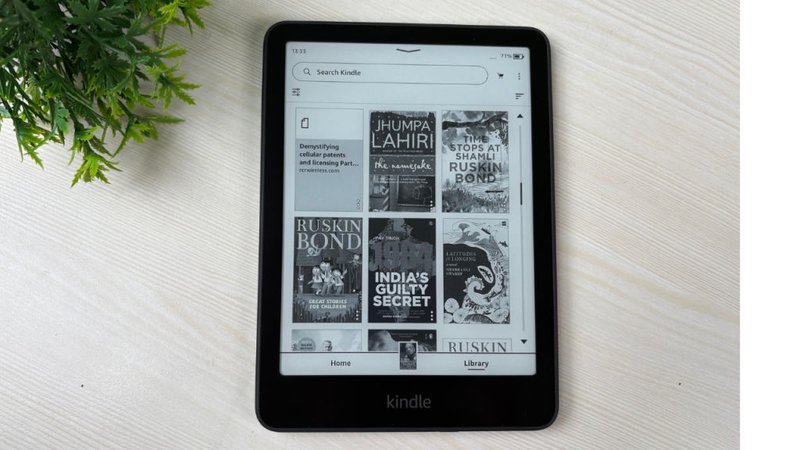
Kindle Paperwhite — the one most people should buy
If you ask me which e-reader to get, this is usually my answer. Around $200: a bigger 7-inch screen, a warm light that is easier on the eyes at night, waterproof for the bath or pool, and up to 12 weeks of battery.
When you buy, choose the version "without ads" — about $20 more, and it removes ads from the lock screen.
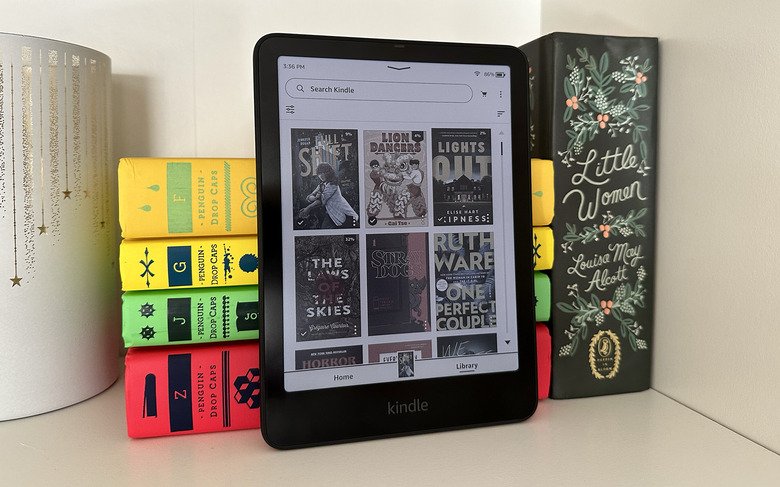
Kindle Colorsoft — for color
Around $290 for a 7-inch color screen — comics, magazines, cookbooks, and children's books. Waterproof, with weeks of battery. I would only spend the extra if you read a lot of color content.
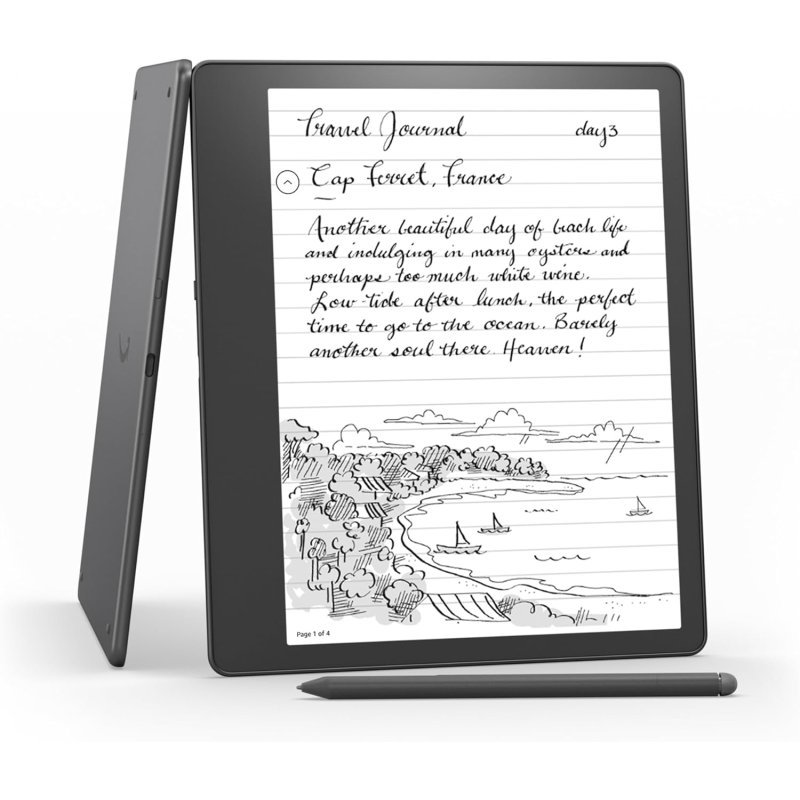
Kindle Scribe — the big one with a pen
Around $430 and up. A large 11-inch screen with a pen, so you can write notes right on books and documents. I recommend it for students and professionals — overkill if you just read novels.
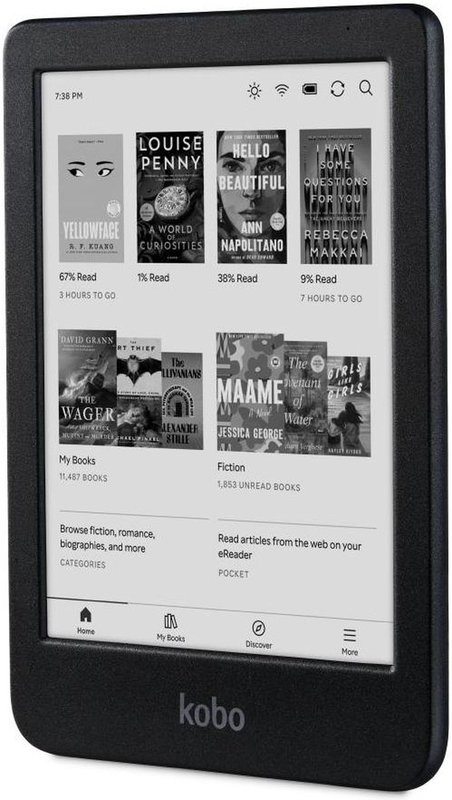
Kobo Clara BW — best outside Amazon
Around $160, from Rakuten Kobo. Its big advantage: borrowing library books is built right into the device — no phone needed, no Amazon account required.
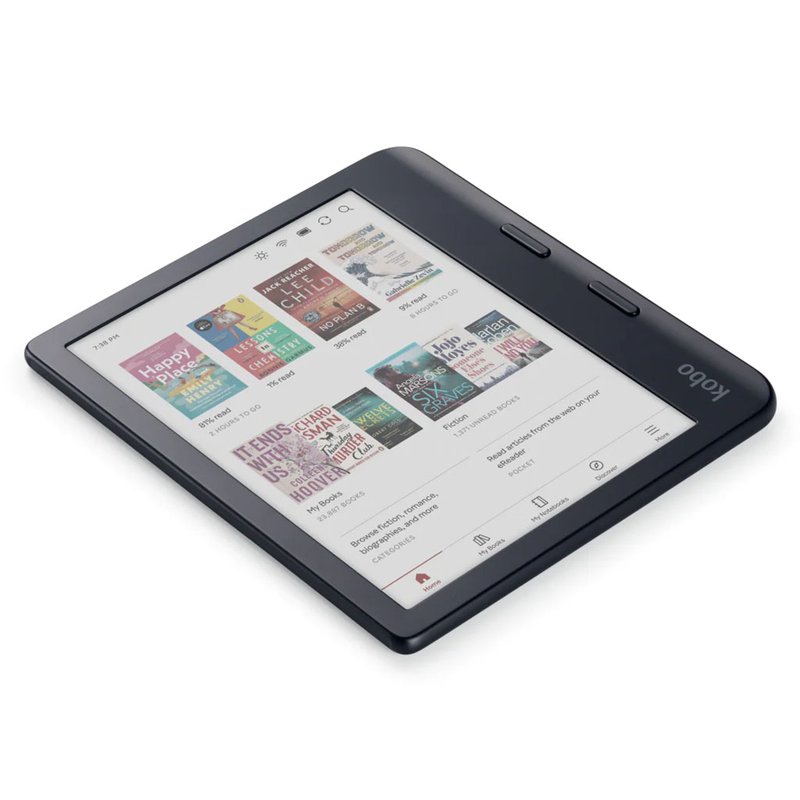
Kobo Libra Colour — color with buttons
Around $260. A 7-inch color screen with physical page-turn buttons — I like these for stiff or arthritic hands — waterproof, library borrowing built in, and an optional stylus for note-taking.
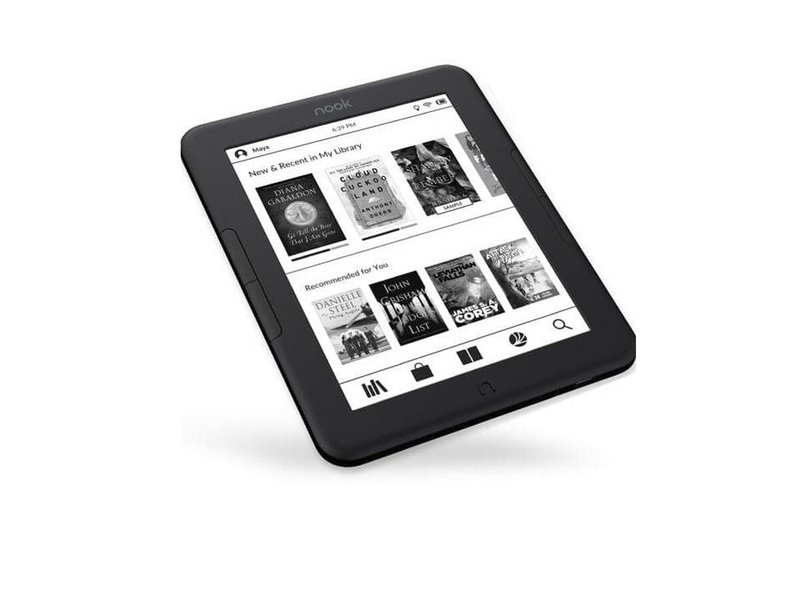
NOOK GlowLight 4 — for Barnes & Noble readers
Around $150, tied to the Barnes & Noble bookstore. If your books already live there, this is the simple choice.
Prices change often — check the current price before you buy.
Borrowing library books — free
Narrated tutorial: borrowing library books free with Libby.
Get a library card. Free from your local public library.
On your phone, install the free Libby app and add your library card.
Find a book and tap Borrow, then choose "Read with Kindle."
Sign in to your Amazon account and tap "Get Library Book."
On your Kindle, connect to Wi-Fi and sync — the book appears in your library.
It returns itself when the loan ends. No late fees, ever.
Kobo readers skip the phone entirely — you browse and borrow library books right on the device.
Which one should you get?
Most readers?KindlePaperwhite. The best balance of screen, light, and price.
Tight budget? The basic Kindle. Same sharp text, smaller screen.