Smart Lighting & Plugs
Smart bulbs and smart plugs let you control lights and lamps from your phone or your voice. No rewiring, no electrician — you screw in a bulb, or plug a small adapter into the wall outlet, and the lamp across the room answers to “turn on the living room lamp.”
What they do for you
- Turn lamps on and off from your chair. A phone app or a voice command — no more getting up, and no more fumbling for a lamp in the dark.
- Put lights on a schedule. Porch light on at dusk, bedroom lamp off at bedtime — automatically, every single day.
- Make the house look lived-in while you travel. Lamps that turn on and off by themselves are the simplest vacation protection there is.
- Dim without new switches. Many smart bulbs dim from the app — soft evening light with no rewiring.
Smart bulbs: the names to know
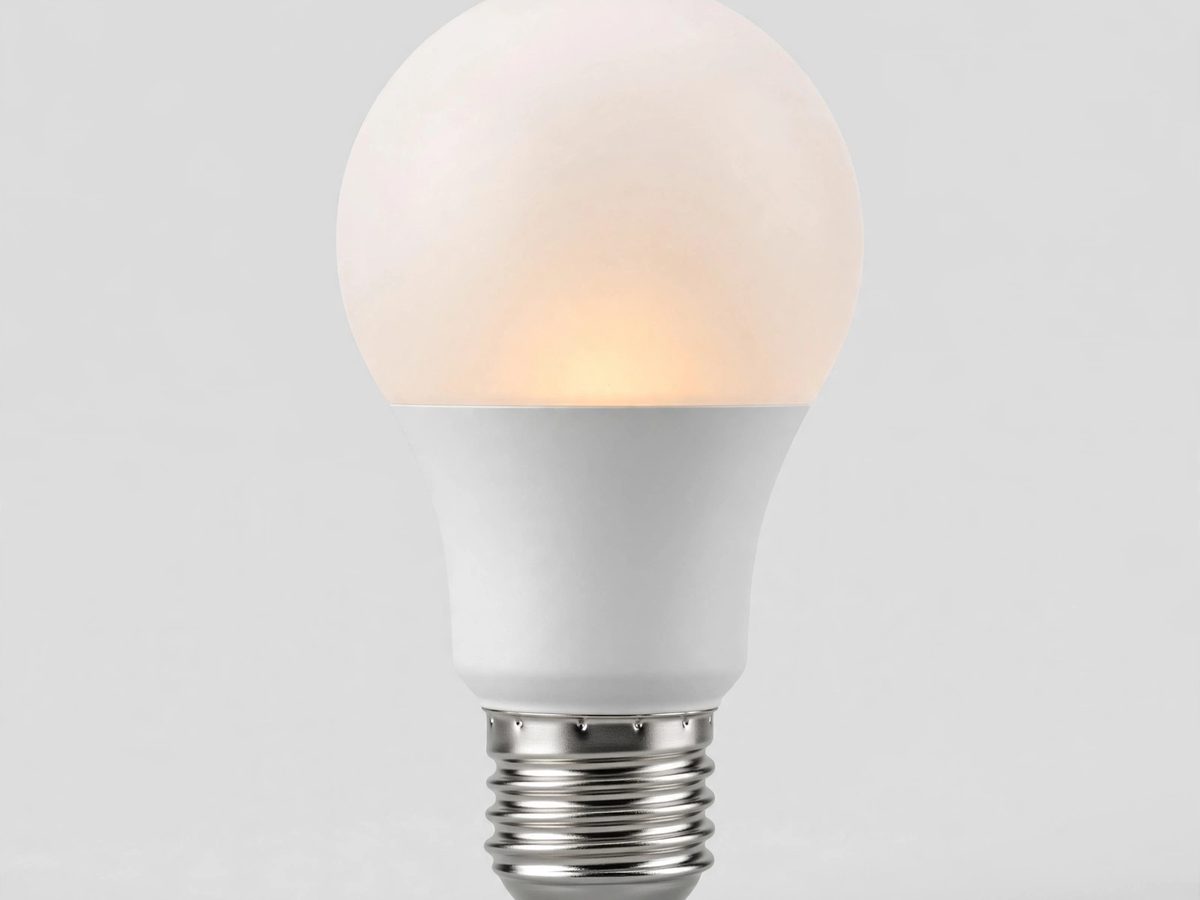
There are two kinds: bulbs that need a small hub box, and bulbs that connect straight to your Wi-Fi with no hub at all.
The best-known smart bulb. Most Hue setups use a small Hue Bridge box that plugs into your internet router — the bulbs talk to the bridge, and the bridge talks to your phone. Very reliable, and it works with Alexa, Google, and Apple Home. Without the bridge, a Hue bulb only works over Bluetooth for a few nearby bulbs.
Worth it if you plan to do many rooms. For one or two lamps, a hub-free bulb below is simpler and cheaper.
Brands like TP-Link Kasa and Tapo, Govee, and Wyze make bulbs that connect directly to your home Wi-Fi — no extra box to buy or plug in. Screw it in, open the brand's app, connect, done.
Stick to a handful of Wi-Fi bulbs — dozens of them can crowd a basic router.
Very bright Wi-Fi bulbs with rich color, also hub-free. A good pick when you want strong, vivid light from a single bulb.
Warm white or cool white?
- Warm white is the cozy yellowish light of a regular living-room lamp — pick it for bedrooms and living rooms.
- Cool white or daylight is the crisp, brighter light — better for kitchens, reading chairs, and work areas.
- Most smart bulbs let you slide between warm and cool in the app, so you never have to choose once and for all.
Smart plugs: the names to know
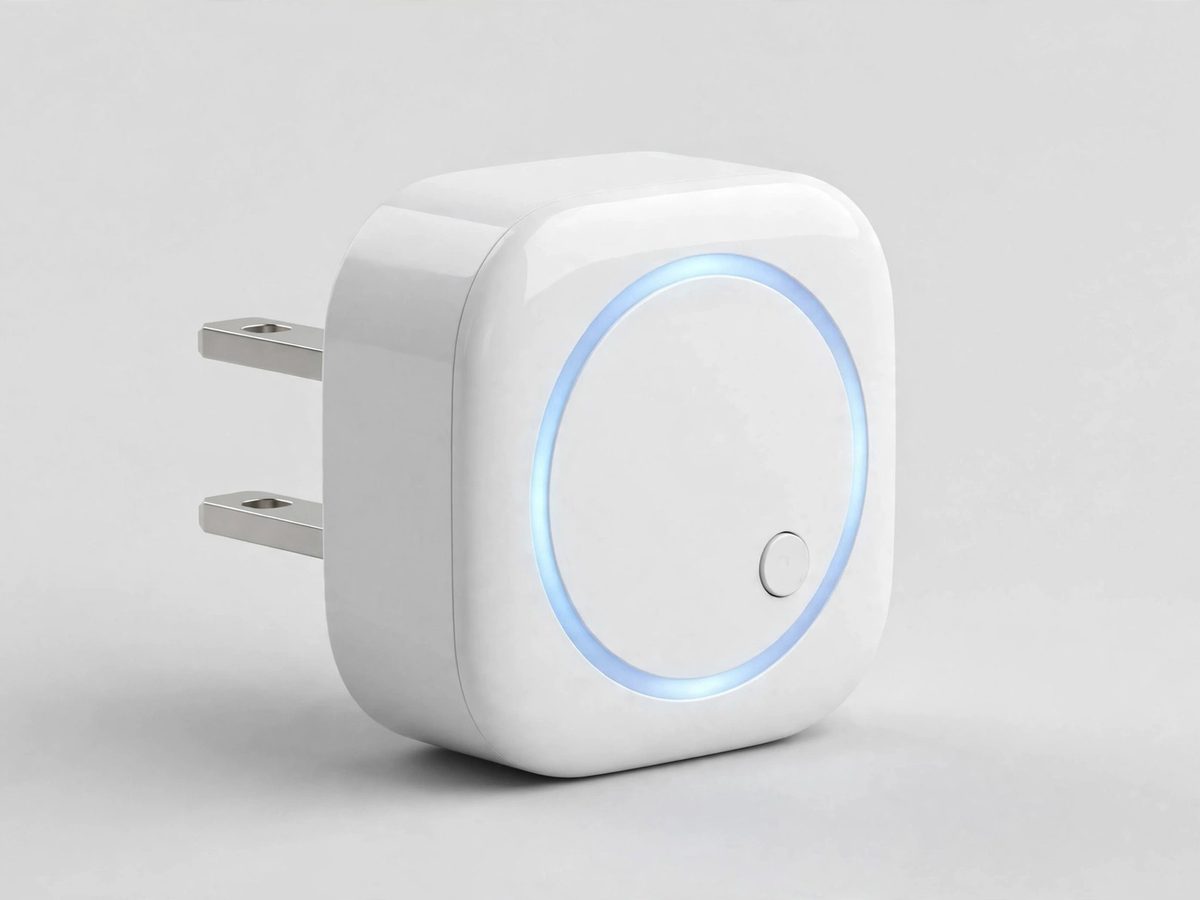
A smart plug is a small adapter that goes into your wall outlet — then you plug your lamp into the adapter. The lamp becomes “smart” without changing the lamp. Perfect for lamps behind furniture that are a pain to reach.
Two things to know. First: Belkin shut down the Wemo cloud service in January 2026 — older Wemo plugs that were set up in the Wemo app lost their app control, schedules, and voice control. If your Wemo plug suddenly stopped working, that shutdown is why. Second: the newer Wemo Smart Plug with Thread still works fine, and it sets up through the Apple Home app on an iPhone — no Wemo app needed, and it never worked with the Wemo app anyway.
Setting it up:
- Plug it in and press the power button. Wait for the light to blink white and orange, back and forth.
- Hold the unlocked iPhone near the plug (upper back of the phone) and follow the prompts that pop up.
- No prompts? Open the Home app, tap +, tap Add Accessory, and type in the 8-digit HomeKit code printed on the quick-start guide.
- Name it by room — “Porch light” — then say “Siri, turn on the porch light.”
Fastest with a HomePod mini or Apple TV 4K nearby (that unlocks Thread); without one it uses Bluetooth. To control it while away from home you need a home hub: HomePod, Apple TV, or iPad. Stuck? Unplug it and plug it back in to restart; hold the power button 5 seconds (until the light blinks white) to factory-reset it.
Amazon's own plug, and the smoothest setup of the bunch for Alexa households. Setting it up:
- Install the Alexa app on your phone and sign in to your Amazon account.
- Plug the smart plug into the wall.
- In the Alexa app, tap More (bottom menu), then Add Device, then Plug, then Amazon.
- When asked, scan the QR code on the printed quick-start guide (not the barcode on the box). Follow the remaining prompts.
- Connect it to your 2.4GHz Wi-Fi when asked, then name it by room — “Bedroom lamp.”
- Say “Alexa, turn on the bedroom lamp.” An Echo speaker makes voice control effortless, but the app alone works too.
Alexa-only: it will not work with Google Home or Apple HomeKit. To reset it, press and hold the button for 10 seconds until the light blinks red and green.
A solid all-around alternative: no hub, connects straight to Wi-Fi, and set up in the Tapo app (which now handles Kasa devices too). Timers, schedules, and a vacation mode. Works with Alexa, Google, and Apple Home — the flexible pick when a home is not all-Alexa or all-Apple.
Safety: what never goes in a smart plug
- Never plug in a space heater, air conditioner, hair dryer, or electric kettle — they draw too much power and can overheat the plug. This is a fire risk.
- Smart plugs are for lamps and small electronics: table lamps, floor lamps, fans, radios.
- Outdoor lights need an outdoor-rated smart plug — indoor plugs must stay dry.
The one setup gotcha: 2.4GHz Wi-Fi
Almost every smart bulb and plug only speaks to the 2.4GHz part of your Wi-Fi — not the faster 5GHz part your phone probably uses. If a bulb or plug refuses to connect during setup, this is almost always the reason.
- Stand near your router with your phone during setup — many routers sort this out on their own when you are close.
- If it still will not connect, look in your Wi-Fi list for a network name ending in something like “_2G” — that is the 2.4GHz side. Join it on your phone just for the setup, then switch back afterward.
- Some routers use one name for both bands. In the router's settings you can temporarily turn off the 5GHz band (sometimes called “band steering”) during setup, then turn it back on after.
- Once the bulb or plug is set up, you are done. It stays connected on its own, and your phone can go back to 5GHz — everything still works.
Name things by room. Call each bulb or plug what it controls — “Porch light,” “Bedroom lamp” — so voice commands feel natural: “Alexa, turn on the porch light.”
Good first uses
- Voice control from the couch. “Alexa, turn on the living room lamp.” Works with Alexa, Google, and Siri once the device is linked — the bulb or plug app walks you through the linking step.
- Dusk-to-dawn porch light. Put the porch light on a schedule so it is on when it gets dark — no more coming home to a dark doorway.
- Bedtime, one command. A routine like “goodnight” can switch off every lamp at once.
- Vacation mode. Lamps turn on and off on a varied schedule while you are away, so the house looks occupied.
When to call Sean instead
- The bulb or plug will not connect and the 2.4GHz steps above did not fix it.
- Router settings feel out of your depth — this is a quick visit.
- You want a whole room, or the whole house, done at once.
8-digit HomeKit code Open the Home app, tap +, tap Add Accessory, and type in the 8-digit HomeKit code printed on the quick-start guide.
What is a Ring doorbell A Ring doorbell replaces your doorbell with one that has a camera — when someone rings, you see and talk to them on your phone, wherever you are. The battery version is around $100 and screws on in 15 minutes; the wired version uses your existing doorbell wires. Saving videos needs a Ring subscription (about $5 a month); without it, you still get live view and alerts.
Do I need the Ring subscription Without the subscription (about $5/month), you still get motion alerts and live video when someone rings — you just can't save or rewind clips. If you only want to see who's at the door right now, skip it. If you want evidence of a package thief from yesterday, you need it.
What is a video doorbell (generic) A video doorbell is a doorbell with a camera and speaker — you see who's there on your phone and can talk to them ("just leave it by the door") without getting up. Ring is the famous brand; Blink, Wyze, and Google Nest make cheaper ones. All of them need your Wi-Fi to reach the front door.
What is a Nest thermostat The Nest thermostat replaces your wall thermostat and learns your routine — turning the heat down when you leave and back up before you're home. It shows the temperature in big numbers and you can change it from your phone. Around $130-$250 depending on the model, and it typically trims 10-15% off heating and cooling bills.
Can a smart thermostat save money Yes — about 10-15% on heating and cooling, because it stops heating an empty house and learns your schedule instead of you remembering to adjust it. At typical Florida power bills, a $170 thermostat pays for itself in roughly a year. The savings come from the scheduling, not from anything magical — a programmable thermostat you actually program does nearly as well.
What is Philips Hue / smart bulbs Smart bulbs (Philips Hue is the famous brand) screw in like normal bulbs but you control them from your phone or voice — dimming, schedules, even color. A starter set with the hub runs around $70-$100; single bulbs $15-$25. Cheaper brands (Wyze, Govee) do the same basics for less.
What is a smart lock / are they safe A smart lock replaces your deadbolt with one you open by code, phone, or fingerprint — no key to lose (around $150-$250). They're as safe as a good regular deadbolt against break-ins; the real risk is a dead battery, so change them yearly and keep a physical key hidden outside. Great for letting family in with their own code instead of copying keys.
What is Blink (Amazon cameras) Blink is Amazon's budget camera brand — battery cameras that last up to two years on one set of batteries, around $35-$100 each. They cover the basics (motion alerts, live view, night vision) with almost no maintenance. Saving clips needs a small subscription (about $3/month per camera) or their Sync Module with a USB stick.
What is Arlo Arlo makes premium wireless security cameras — sharper video than Ring or Blink, around $130-$200 per camera. They're the pick when you want the clearest picture of who's at the door (faces and license plates). Like the others, saving video history needs a subscription, around $8-$13 a month.
Do security cameras need Wi-Fi Almost all of them, yes — Ring, Blink, Wyze, and Arlo all send video over your Wi-Fi to your phone. No Wi-Fi, no alerts and no remote viewing. The camera needs a solid signal wherever it's mounted, which is why doorbell cameras struggle on houses where the router is far from the front door.
Where do camera videos go (cloud vs local) Most cameras upload clips to the company's servers ("the cloud") — you watch them in the app, and that's what the $3-$13 monthly subscription pays for. Some (Blink with Sync Module, Wyze with SD card) can save to a memory card or USB stick in your house instead, with no monthly fee. Cloud is easier; local is cheaper long-term.
What is a robot vacuum (generic) A robot vacuum is a flat disc that vacuums your floors by itself on a schedule — you just empty its bin (or its dock empties it for you on fancier models). Around $150-$600 depending on features; the sweet spot for most homes is $250-$350. They don't replace a deep clean, but they keep floors presentable between real vacuumings, which is the whole point.
Do I need a hub for smart home devices Mostly not anymore — most current gadgets (Ring, Hue with Bluetooth, Echo devices) connect straight to Wi-Fi or to each other. You only need a hub if you're buying older Z-Wave/Zigbee gear or want one app for a big mixed system. Start hubless; add one later only if something you buy demands it.
🎬 Watch it: What smart lighting can do for you
📖 Lesson that goes with this one: The Light That Fades Up: Gentle Wake-Ups and Slow Goodnights
Straight 2 Work Tech, LLC — patient, plain-words tech help.
(813) 770-6082