A smartwatch is a watch that thinks a little. It tells the time, and it also shows your messages, lets you answer calls from your wrist, tracks your steps and sleep in the background, and — the feature many people buy it for — can call for help if it senses a hard fall and you do not answer.
What it does for you
Narrated tutorial: Messages and calls on your wrist — tap the watch to answer.; Health tracking, quietly — steps, heart rate, sleep, automatically.; Fall detection — no response and it calls for help by itself.
Messages and calls on your wrist. See who is calling or texting without digging the phone out of your pocket or purse. Tap the watch to answer.
Health tracking, quietly. Counts your steps, checks your heart rate, and records your sleep — all automatically, in the background.
Fall detection. If the watch senses a hard fall and you do not respond to its alert, it can call for help and notify your emergency contacts by itself.
Maps your walks. Built-in GPS records your walks and shows directions, without needing the phone in your hand.
The four names to know
There are four main choices — and the golden rule is: start with the phone you already own. The watch has to match the phone.
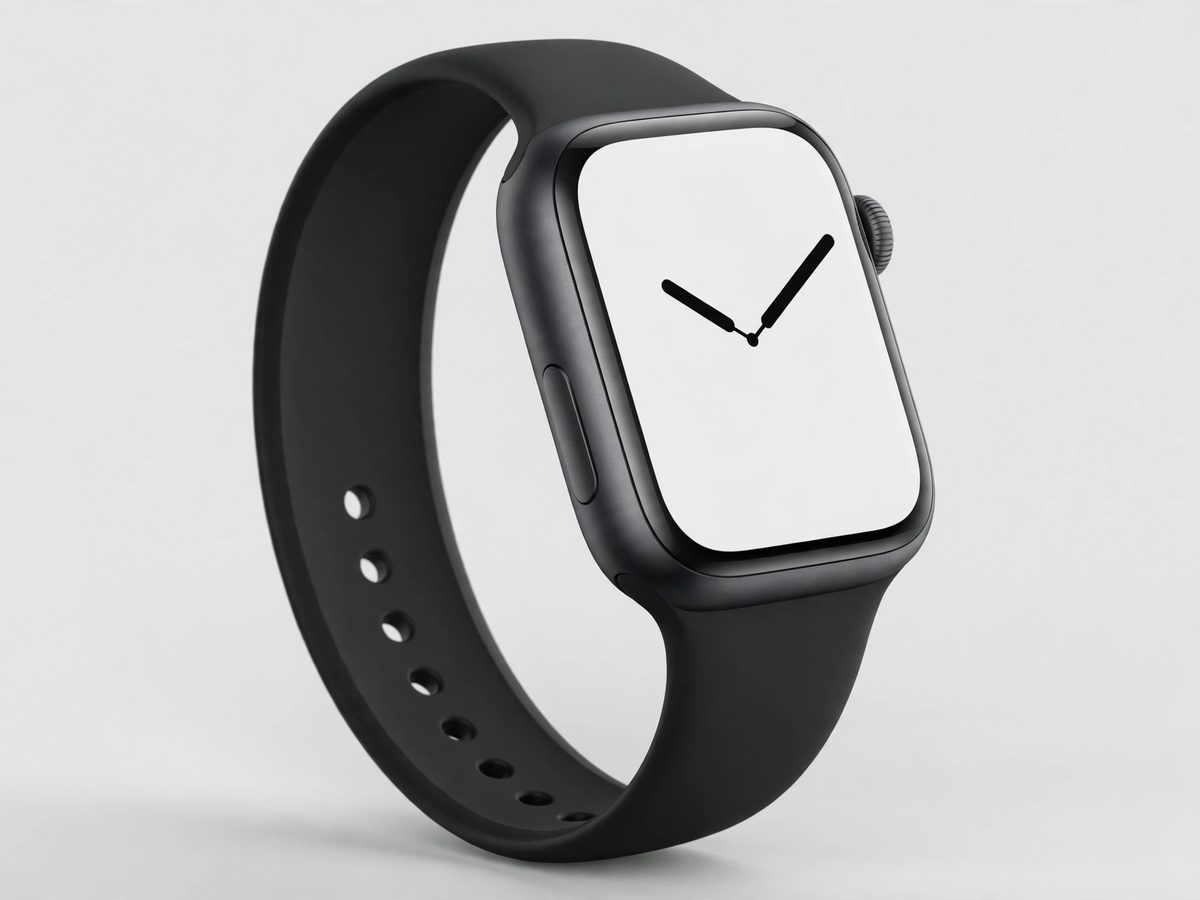
Apple Watch — iPhone only
The best-known smartwatch. Fall detection is built into every model from Series 4 onward, and it turns on by itself for anyone 55 or older once your age is in your Health profile. Every model except the budget SE also takes an ECG (heart-rhythm) reading from your wrist — the SE skips the ECG to keep the price down. If an ECG reading matters to you, step up to a Series or Ultra model. It only works with an iPhone — it will not pair with a Samsung or any Android phone. Plan on charging it every night.
Three levels: SE (budget, has the essentials), Series (mid-range, the most popular), Ultra (premium, bigger screen and longer battery).
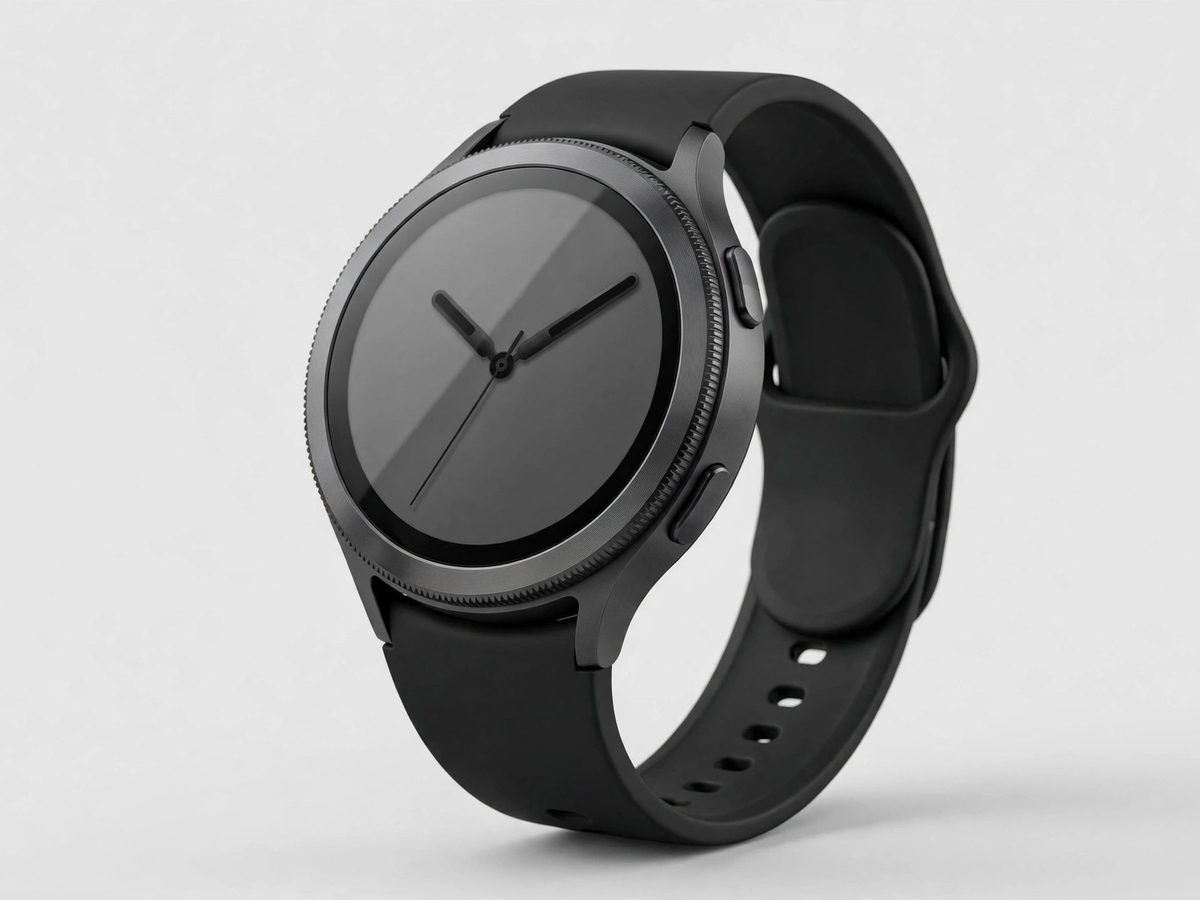
Samsung Galaxy Watch — Android only
Samsung's watch for Android phones. Full health tracking: steps, heart rate, sleep, and sleep-apnea screening. It does not work with iPhones at all. Note: the ECG and blood-pressure features only unlock when paired with a Samsung phone, not just any Android. Expect to charge it every night or two.
Unlike the Apple Watch, fall detection is not on by default — turn it on in the Galaxy Wearable app under Watch settings → Safety and emergency → Hard fall detection, and add at least one emergency contact.
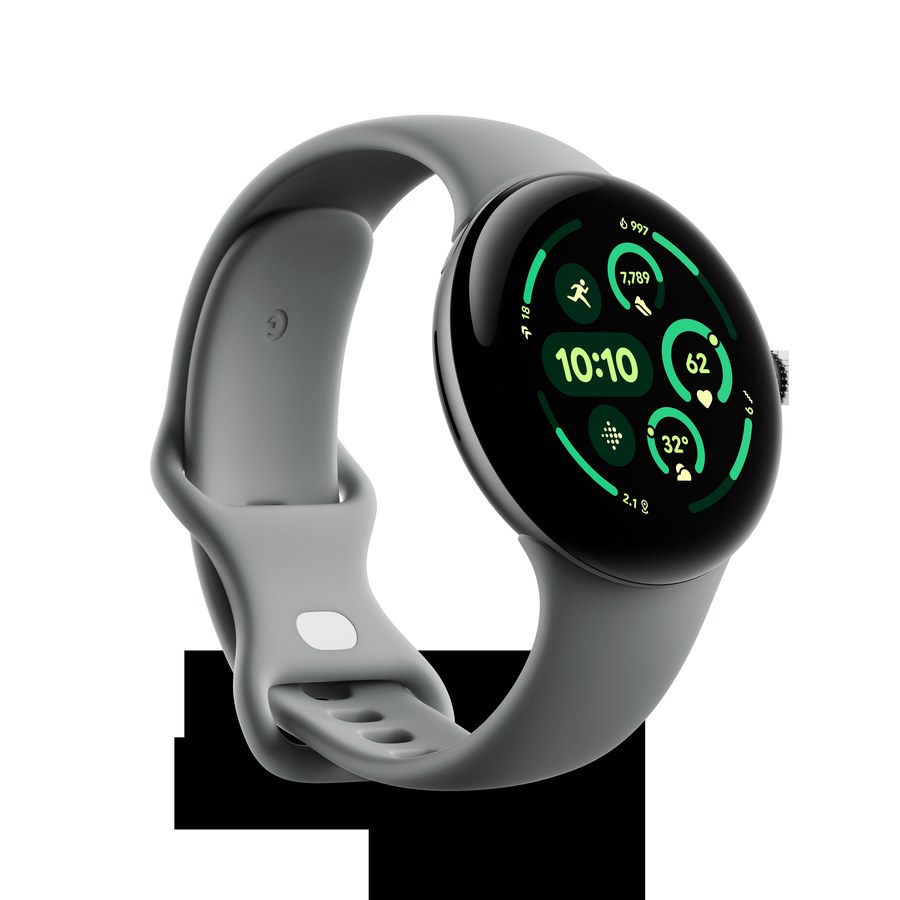
Google Pixel Watch — Android only
Google's watch, with Fitbit health tracking built inside. Includes fall detection and car-crash detection. It needs an Android phone and a Google account, set up through the Pixel Watch app — it will not pair with an iPhone. Battery lasts about a day and a half.
Some deeper health reports also use the Fitbit app, and a few extras sit behind an optional paid Fitbit Premium plan.
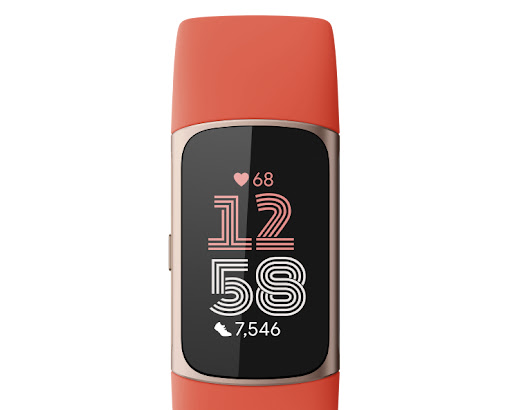
Fitbit by Google — works with both
Google owns Fitbit, so a Fitbit tracker is a Google product. It is the simplest choice: a slim band that counts steps, checks heart rate, and tracks sleep, with a battery that lasts about a week instead of a day. Fitbit devices work with both iPhones and Android phones. Setup needs two things on your phone: the Fitbit app and a Google account to sign in with — the old Fitbit-only accounts are retired, so a Google account is now required.
The Charge 6 is the current all-rounder (budget-friendly, with ECG and GPS). No app store and no speakerphone calls on most models — it is a health tracker first, a smartwatch second.
Narrated tutorial: Samsung: switch on fall detection by hand in the Galaxy Wearable app.; A screen you can read — bigger watch, bigger text.; Apple, Samsung, Google: charge nightly. Fitbit: about a week.
Fall detection. This is the safety feature that matters. Apple Watch, Galaxy Watch, and Pixel Watch all have it — just remember the Samsung one must be switched on by hand. Set up your emergency contacts when you first set up the watch.
A screen you can read. Bigger watch, bigger text. If small print is hard for you, skip the smallest sizes.
Battery life you can live with. Apple, Samsung, and Google watches need charging roughly every night. A Fitbit by Google tracker lasts about a week — much less fuss.
Cellular or GPS-only? A cellular watch can call for help even when your phone is at home — but it adds a monthly charge from your phone carrier. A GPS-only watch needs your phone nearby to call out. For fall safety away from home, cellular is worth considering.
What matters less
Do not pay extra for rugged “Ultra” models or pro sports features unless you are hiking mountains. For everyday life, the regular models do everything above. And one honest note: a watch's fall detection calls emergency services, but it is not a staffed medical-monitoring service — if your doctor says you need one of those, keep it.
When to call Sean instead
Choosing between models before you buy — bring your phone and I will match the right watch to it.
The watch will not pair, will not charge, or keeps asking for things you do not understand.
Apple Watch Your choices are Apple Watch or Fitbit by Google.
Google Pixel Watch Your choices are Samsung Galaxy Watch, Google Pixel Watch, or Fitbit by Google.
Activity rings The three colored rings are Move (red — calories burned), Exercise (green — brisk minutes), and Stand (blue — hours you stood up). Closing all three each day is the goal, but the watch adjusts to you. It's gentle motivation, not a drill sergeant.
Charging the Apple Watch The Apple Watch charges on its little magnetic puck — snap the back of the watch onto it and a lightning bolt shows it's charging. It takes about an hour and a half for a full charge. Most people charge overnight and wear it all day.
Apple Watch water resistance Apple Watches survive splashes, rain, and swimming — they're water-resistant, not fully waterproof. Rinse it with fresh water after a swim, especially in the ocean or a pool. Don't take it deep diving, and skip the hot tub — heat and soaps wear the seals.
Cellular vs GPS Apple Watch A GPS Apple Watch needs your iPhone nearby for calls and internet. A cellular one has its own connection — you can leave the phone home and still call and text, for a monthly fee from your carrier. If your phone is always with you anyway, GPS is plenty.
The Digital Crown The Digital Crown is the little dial on the side of the Apple Watch — turn it to scroll, press it once for your apps, press and hold for Siri. It's the watch's main control alongside the touchscreen. Pressing it always gets you back home.
Changing the watch face Press and hold the watch face until it zooms out, then swipe to browse faces and tap the one you like — or tap the plus sign for more. Tap Edit (or the customize button) to change its colors and complications. Bigger, high-contrast faces are easiest to read.
Apple Watch heart rate & ECG The Heart Rate app on your watch shows your pulse anytime — open it and hold still. The ECG app (on newer watches) takes a 30-second heart reading you can share with your doctor. If it ever flags an irregular rhythm repeatedly, mention it at your next visit.