Soundbars

A slim black soundbar sitting below a TV screen

A soundbar is one slim speaker that sits under your TV and makes everything sound much better. Modern TVs are so thin that their speakers are tiny and point backward — that is why voices sound muffled and you keep reaching for the volume. A soundbar fixes it with a single box: clearer voices, fuller sound, no more volume riding.

The five worth knowing

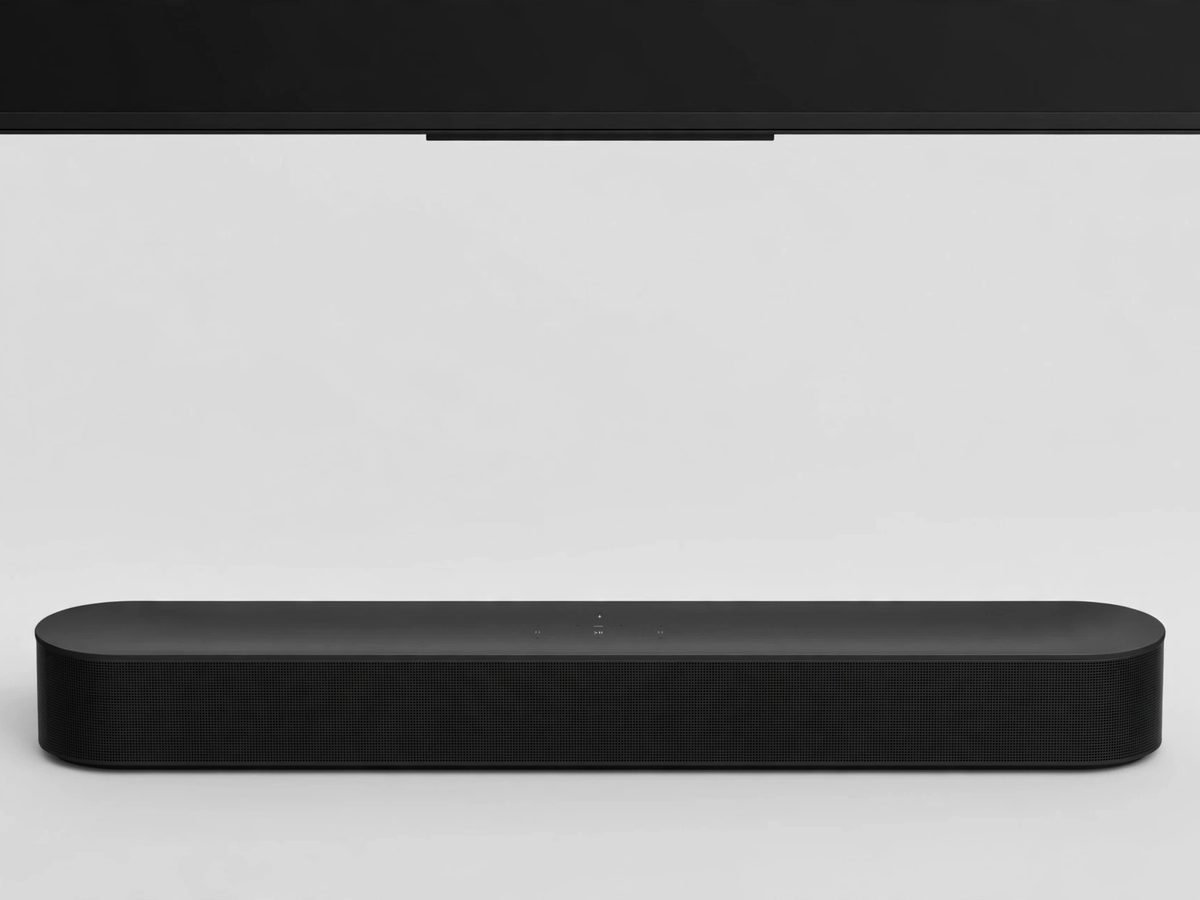
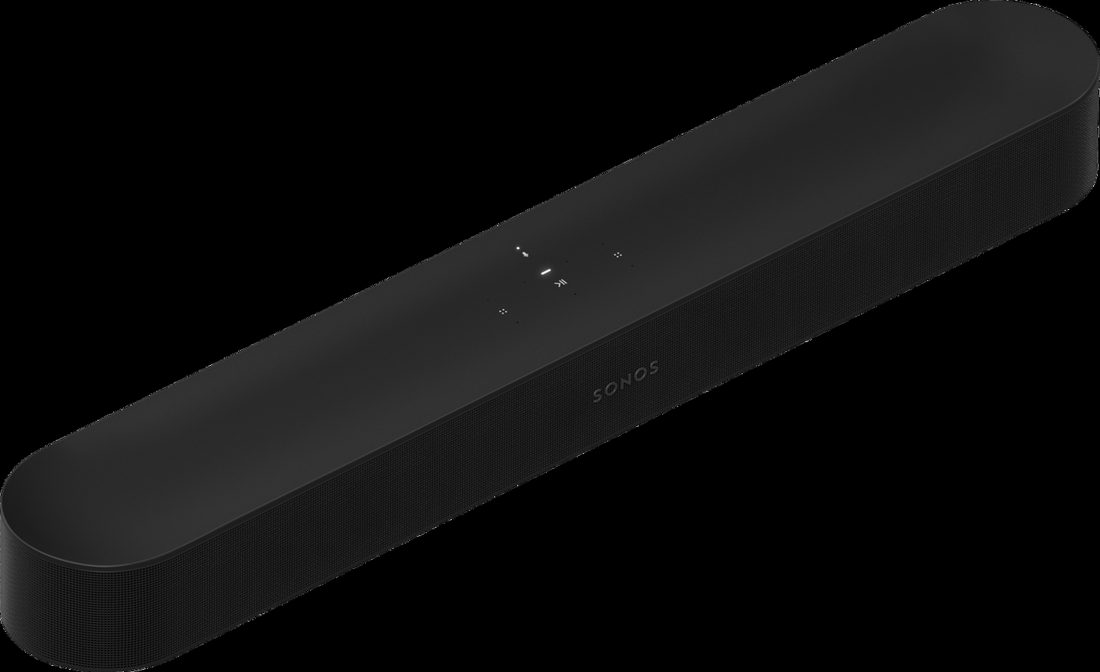
Sonos Beam Gen 2: compact black soundbar

Sonos Beam Gen 2 — the simple all-rounder

A compact bar (mid-range price) with a Speech Enhancement mode that lifts voices out of the background. One HDMI cable carries the sound, and your regular TV remote controls the volume. Setup walks you through the Sonos app on your phone.

Heads-up: no remote in the box — your TV remote does the job, and the Sonos app is required for setup.
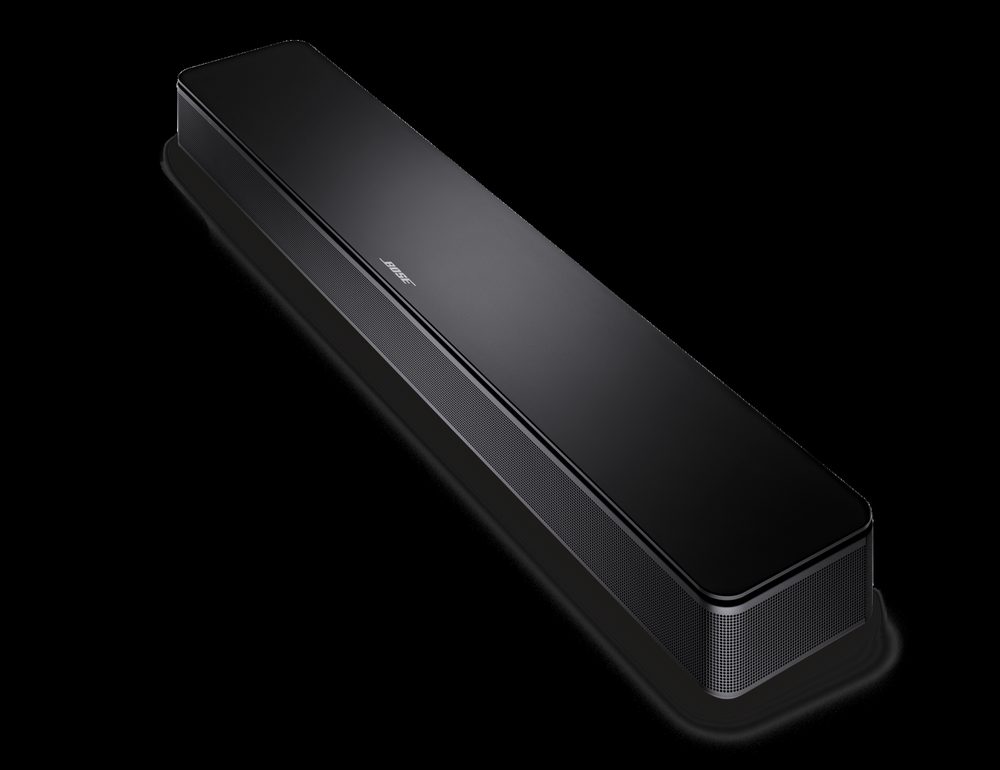
Bose TV Speaker: compact black soundbar

Bose TV Speaker — easiest to use

A small, simple bar (budget-friendly) with a Dialogue Mode button right on the remote — one press makes voices clearer. One HDMI cable, and your TV remote handles the volume. A favorite for people who want better sound with zero fuss.

Heads-up: the HDMI cable is sold separately, so grab one with it.

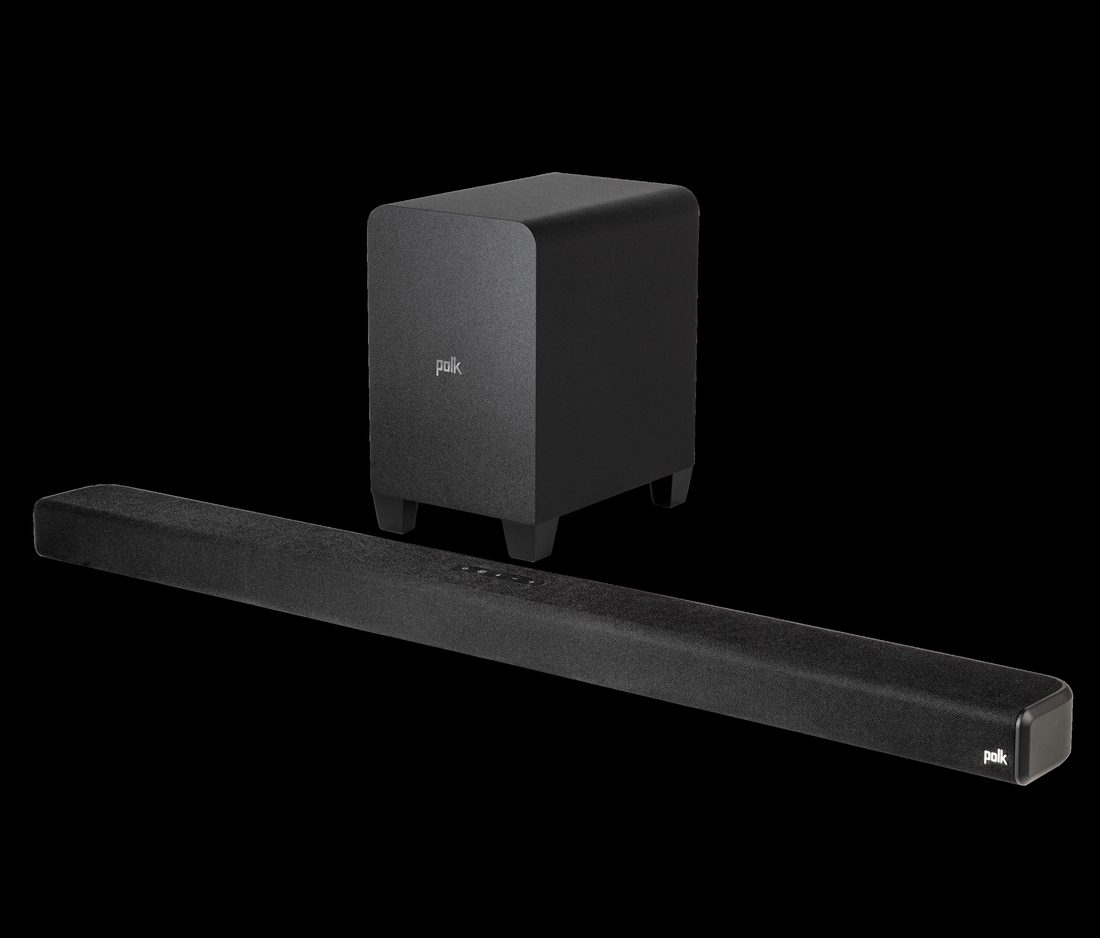
Polk Audio Signa S4: soundbar with wireless subwoofer

Polk Audio Signa S4 — best dialogue control

Its VoiceAdjust feature turns voices up or down on their own, without changing the music and sound effects (mid-range price). Comes with a wireless subwoofer for fuller, richer sound.

Why seniors like it: voices get clearer without everything getting louder.

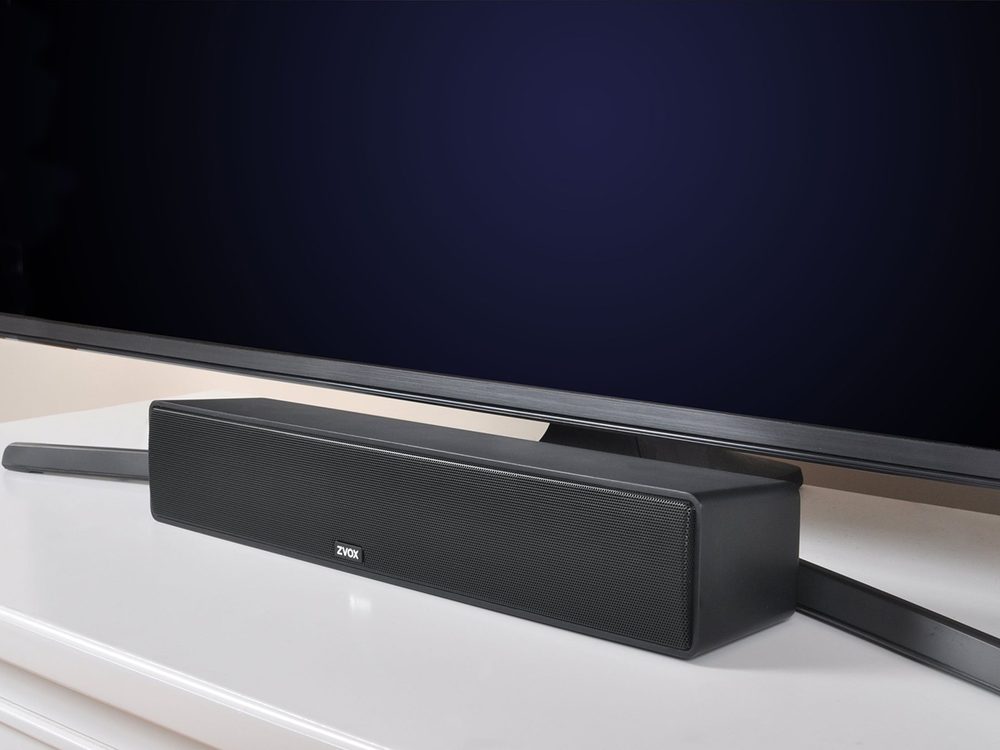
ZVOX AccuVoice AV157: compact TV speaker in front of a TV

ZVOX AccuVoice AV157 — built for hard-to-hear TV

Made for people who struggle to hear TV dialogue. Twelve levels of voice boost plus a SuperVoice mode that pushes background noise down (mid-range price). Compact enough to fit anywhere.

Heads-up: it connects with a wire only (optical cable) — no Bluetooth music streaming.

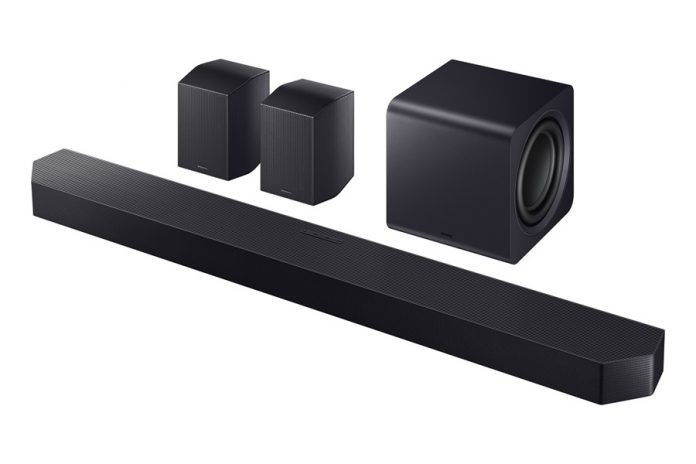
Samsung HW-Q990F: soundbar system with subwoofer and rear speakers

Samsung HW-Q990F — the full home theater

The big one (premium price): soundbar, subwoofer, and wireless rear speakers for true surround sound. Pairs beautifully with Samsung TVs — they work together as one system — and it automatically tunes itself to your room.

Best for: movie lovers who want the full cinema feeling at home.

Hooking one up, in plain words

Narrated tutorial: hooking up a soundbar.
  1. HDMI ARC — the best way. Plug one end of an HDMI cable into the soundbar and the other into the TV port labeled “ARC” or “eARC.” This one cable carries the sound and lets your TV remote control the volume.
  2. Optical — the backup. If your TV has no ARC port, use the optical cable — a thin cable with a little square plug. It carries sound only, so you may need the soundbar remote for volume.
  3. Place it centered. Set the bar right under the TV, centered, with nothing blocking its front. If it came with a subwoofer, set that box on the floor nearby — it connects on its own.
  4. Pick the right input — once. Use the soundbar remote one time to select HDMI (or optical). After that, the TV remote runs everything.
  5. Tell the TV to use the soundbar. On your TV remote, open Settings, then Sound, and change it from “TV speakers” to your soundbar — it may be called “external speakers,” “ARC,” or the optical port. Without this step you may hear nothing at all.

Step 5 in your TV’s own words — the switch has a brand name

Plugged in but silent? It is almost always this one switch, and every brand gives it a pet name. Two things to do: turn the switch on, then aim the sound at the soundbar.

Menu names shift a little from model to model and year to year — if your screen’s words are close but not identical, you are in the right neighborhood.

What matters most for seniors

  1. A voice or dialogue mode. The single most important feature — it makes speech clearer without making everything louder.
  2. One remote. With HDMI ARC, your regular TV remote controls the soundbar too. Fewer remotes, fewer headaches.
  3. Simple beats fancy. You do not need rear speakers and ten sound modes to hear the news clearly. Start simple.
  4. Match the bar to the problem. If hearing voices is the whole issue, a voice-focused bar (Polk, ZVOX) matters more than a famous brand name.

When to call Sean instead

How to connect a soundbar Easiest: one HDMI cable from the soundbar to the TV's HDMI port labeled "ARC," then turn on ARC/CEC in the TV's sound settings. No ARC port? Use the optical (Toslink) cable instead — same idea, one cord.

TV volume too low / can't hear dialogue First, look for a "Clear Voice," "Dialogue," or "Speech" mode in the TV's sound settings — it boosts voices specifically. Turn off any "surround" or "3D sound" mode, which buries dialogue. If voices are still muddy, that's exactly what a $100 soundbar fixes; it's the most common senior TV complaint there is.

📖 Lesson that goes with this one: The Soundbar Sounds Worse Than the TV: Placement and Settings

Straight 2 Work Tech, LLC — patient, plain-words tech help.
(813) 770-6082