Charging Safety & Swollen Batteries
Spot a puffy battery (screen lifting, rocking phone, sweet smell), what to do and never do, and the charging habits that prevent it.
Checking battery health on Samsung and Pixel phones
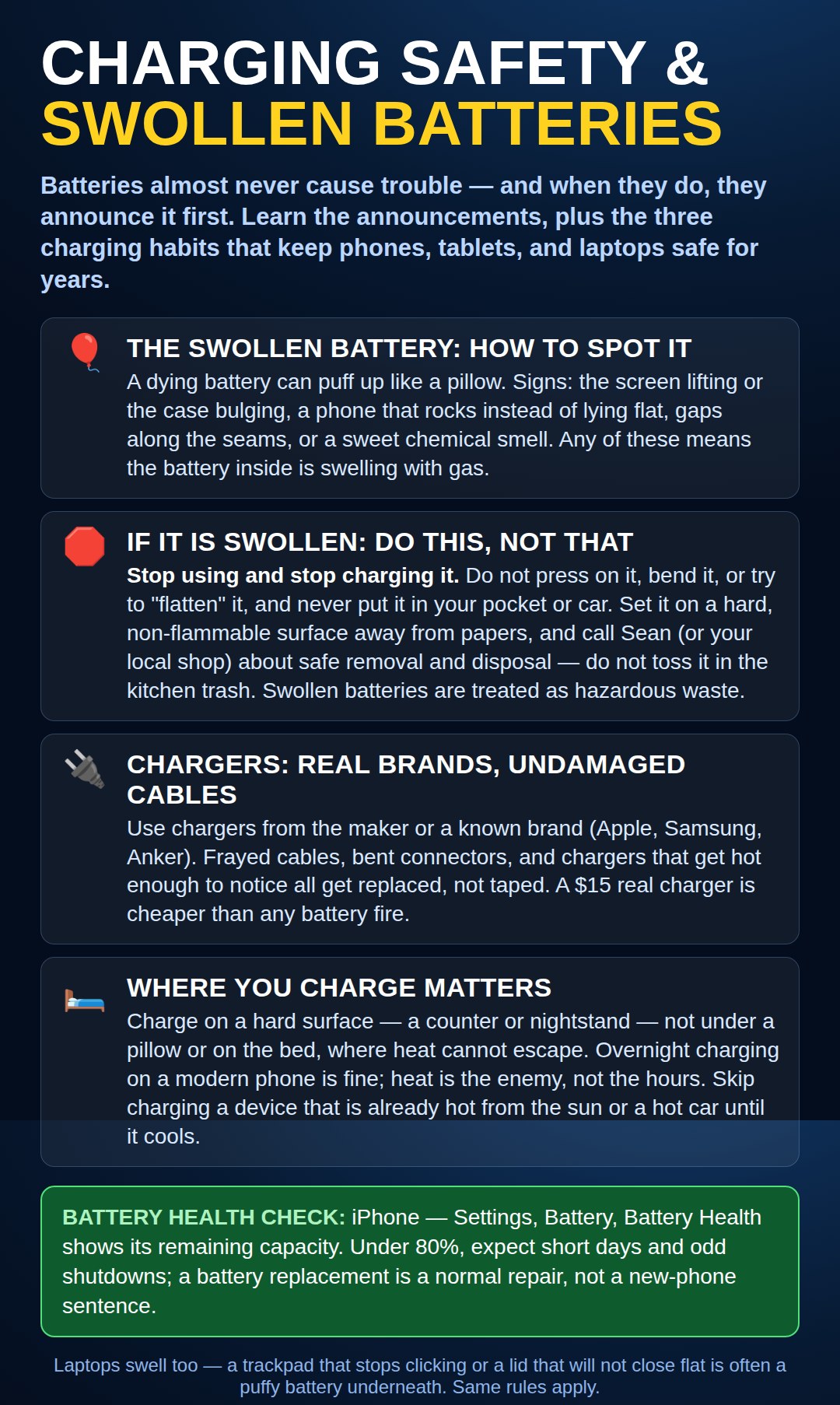
The chart shows the battery-health check on an iPhone. The other big phone families keep the same report in their own places:
Samsung: open the Samsung Members app, tap Diagnostics, then Battery status — it will tell you plainly whether the battery is good or weak. You can also find a battery page under Settings → Battery and device care.
Google Pixel: on newer Pixels, look under Settings → Battery → Battery health. Many Android phones do not show a health percentage at all — and that is fine. The checks that matter most are the ones in the chart: a battery that swells, a case that no longer sits flat, or a back that is lifting is a stop-using-it sign on any phone, number or no number.
Need a hand with this in person? Call (813) 770-6082 — Straight 2 Work Tech, LLC, Sun City Center, Florida.