They Can’t Hear You? Check the Mic
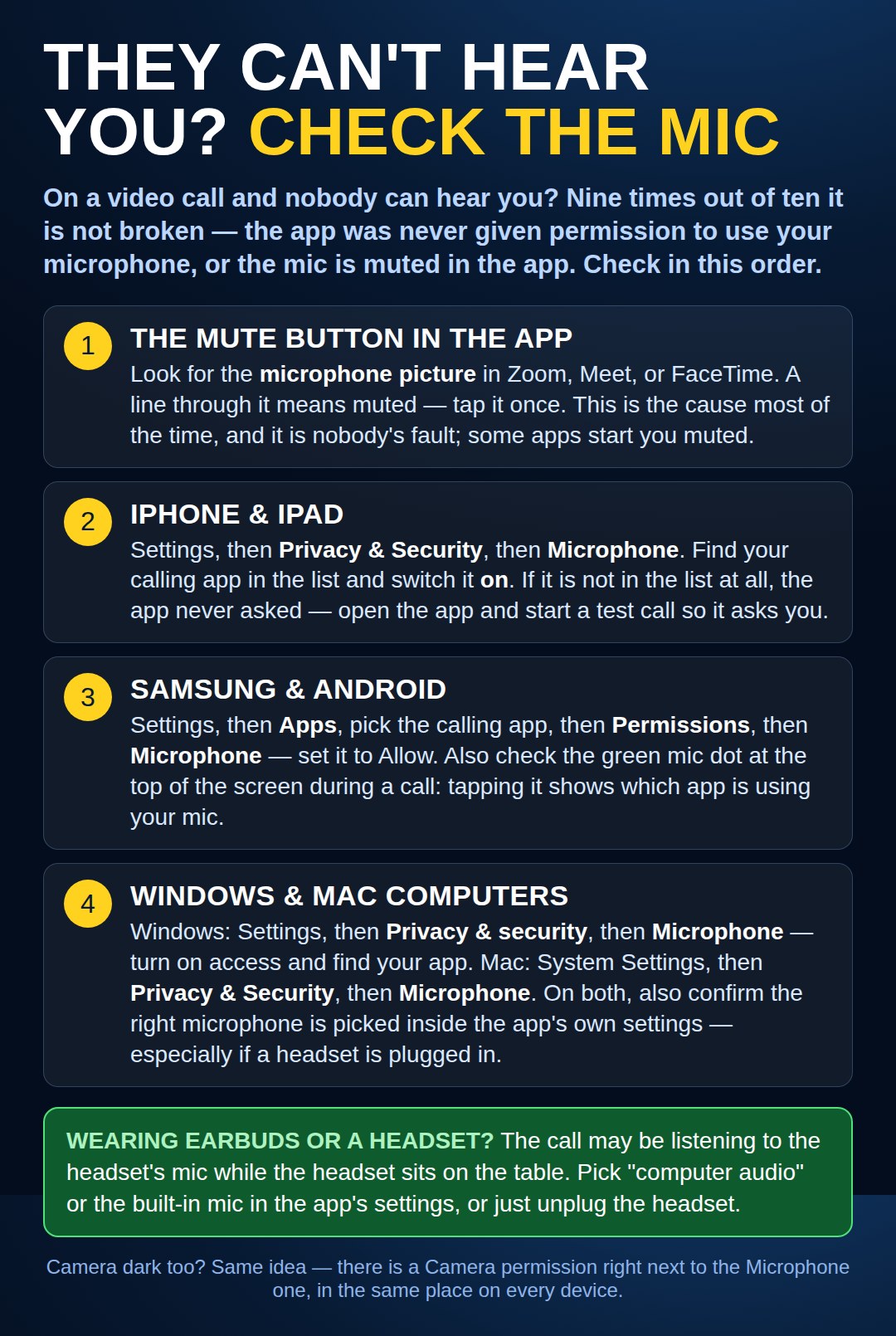
On a video call and nobody can hear you? The mute button, then the microphone permission on iPhone, Android, Windows, and Mac - in the order to check them.
Joined the Call From a Link? Check the Browser, Too
Many family calls and doctor visits start by tapping a link, which opens the call inside Chrome or Edge instead of an app. The browser keeps its own microphone block, separate from the phone or computer permission in the picture above — both doors have to be open before anyone can hear you.
If people still can’t hear you, look at the address bar at the top of the browser during the call. A small camera or microphone picture with a line or an X through it means the browser is doing the blocking. Tap or click that picture and choose Always allow (or Allow) for the microphone, then leave and rejoin the call. The same picture is also where you undo an old “Block” you clicked by mistake — and it fixes a browser-blocked camera the same way.
Need a hand with this in person? Call (813) 770-6082 — Straight 2 Work Tech, LLC, Sun City Center, Florida.