What Your Router Lights Mean
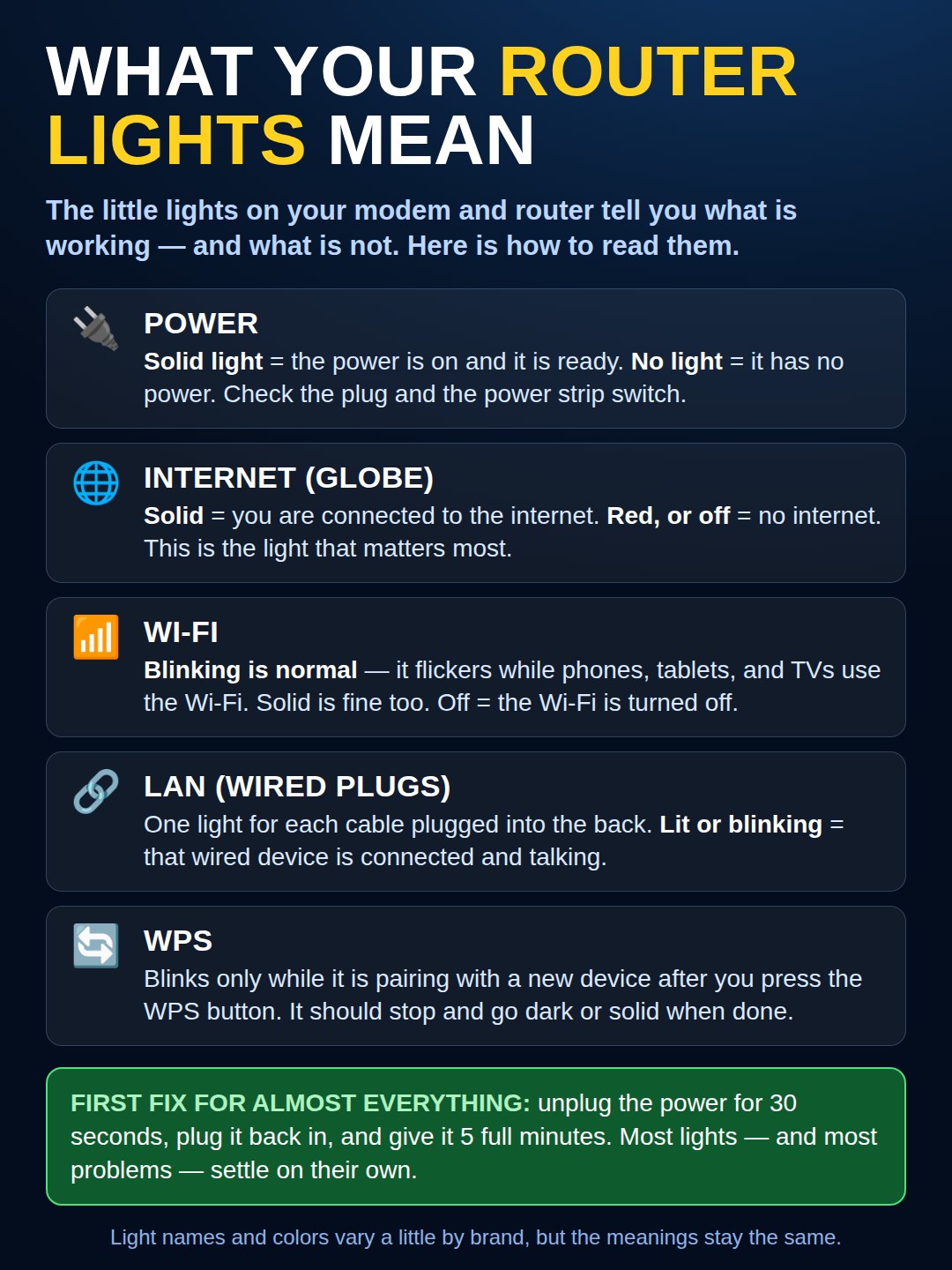
Power, internet, Wi-Fi, and wired lights explained in plain words. Blinking usually means it is working — a red internet light is the real warning. First fix for almost everything: unplug 30 seconds.
Only One Light, Changing Colors? The Newer Cable Boxes
Many newer cable boxes — the tall white Xfinity gateway, and AT&T’s white fiber gateway — have no row of lights at all. One light does every job, by color and by blink:
Steady white: all is well — the box is online and working.
Blinking white: starting up or connecting. After a restart, give it a few minutes before judging it.
Blinking amber or orange (Xfinity): usually a software update — leave it alone until it settles back to white.
Red, blinking or steady: no connection. On the AT&T fiber box, a slow red blink usually means it cannot see the fiber signal — the thin fiber cord at the back is delicate, so check it is gently seated, then restart the box.
Still red after the restart? Do not buy anything yet. Open your provider’s app, or call them, and check for an outage in your area first. When the neighborhood is down, no fix at home exists — the light turns white on its own when service comes back.
Need a hand with this in person? Call (813) 770-6082 — Straight 2 Work Tech, LLC, Sun City Center, Florida.