"Storage Full"? Free Up Space
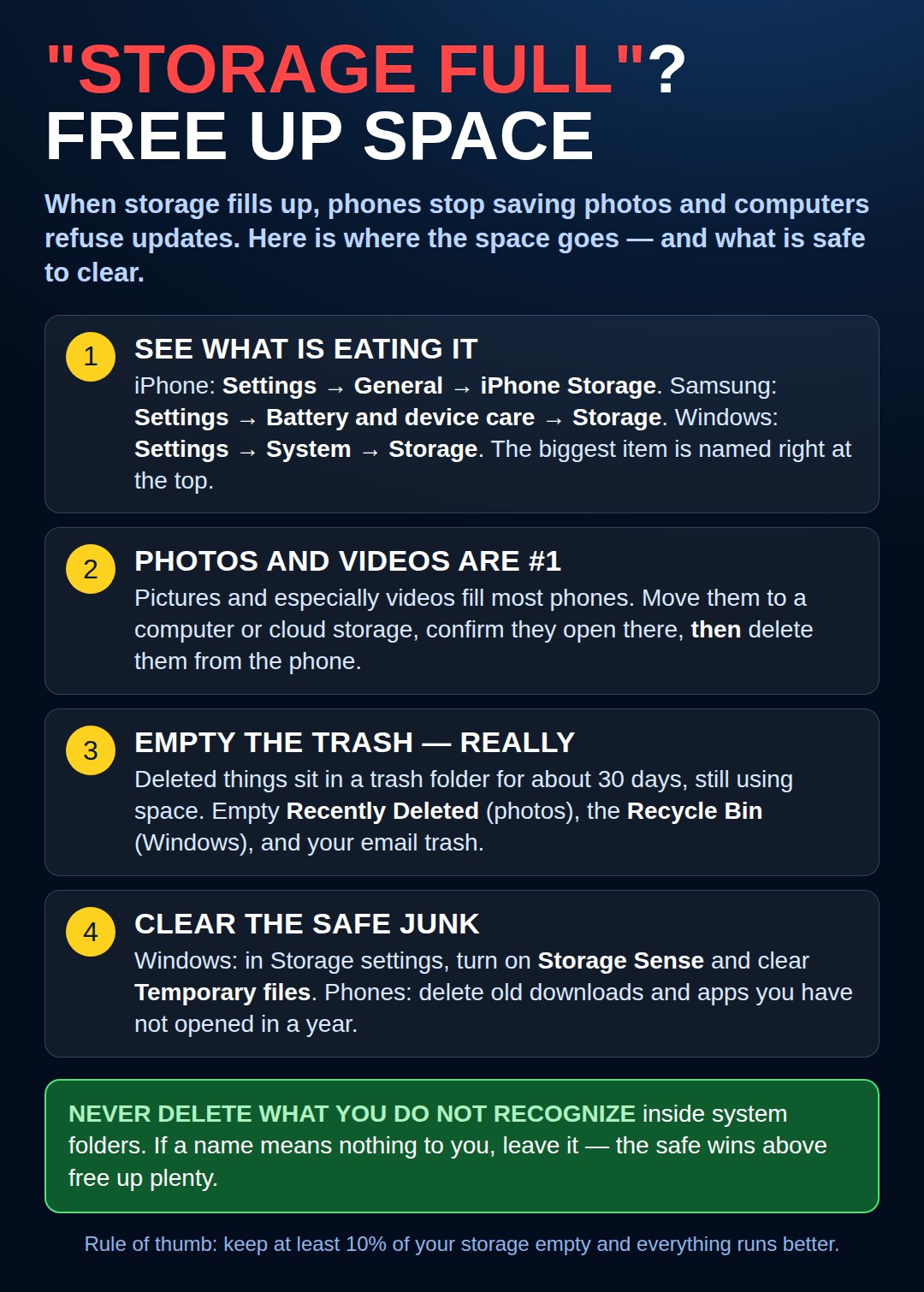
Where your space actually goes and what is safe to clear: check the storage screen, move photos and videos, empty the trash for real, and clear temporary junk. Keep 10% free and everything runs better.
On a Mac: The Same First Step, in Its Own Place
The picture above shows the iPhone, Samsung, and Windows screens. A Mac keeps its storage screen here: Apple menu → System Settings → General → Storage. It draws the same honest picture — what is eating your space, biggest first.
Then follow the chart’s order exactly: photos and videos first — move them, check they arrived, then delete them — and empty the Trash for real. On a Mac, files sitting in the Trash still take up their full space until you empty it. Keep roughly a tenth of the drive free, and the Mac breathes easier, just like the others.
Need a hand with this in person? Call (813) 770-6082 — Straight 2 Work Tech, LLC, Sun City Center, Florida.