Home Theater: Top 5 Brands Compared
A receiver is the brain of a home theater. It is a box that your TV, speakers, and everything else plug into. One box controls it all: you switch from the news to a movie to music with one remote, and the sound is far richer than your TV speakers alone.
Below are the five receiver brands worth knowing in 2026, then a plain-words tour of the speaker types that go with them.
The top 5 receiver brands
- Denon — the most recommended brand. Excellent value and the easiest setup menus in the business — a small included microphone listens to your room and tunes the sound for you automatically. Popular models include the AVR-X1800H and AVR-X3800H. Price: middle of the road to high-end.
- Yamaha — the reliability pick. Known for clear, natural sound and receivers that last for years. The RX-V385 is a great budget 5.1 starter; the Aventage line (RX-A4A and up) is their premium range. Price: budget to middle of the road to high-end.
- Onkyo — premium features, fair prices. You often get high-end extras like THX certification and Dirac Live room tuning for less money than rival brands. Popular models: TX-NR6100 and TX-RZ50. Price: middle of the road to high-end.
- Marantz — the audiophile favorite. Warm, musical sound and beautiful styling. Their Cinema series (Cinema 30, 40, and 50) is the current lineup. Price: premium — this is the luxury lane.
- Sony — the easy beginner pick. Simple to set up and budget-friendly, and pairs especially nicely if you already own a Sony TV. The STR-DH590 is the budget starter; the STR-AN1000 steps up. Price: budget to middle of the road.
Speaker types, in plain words
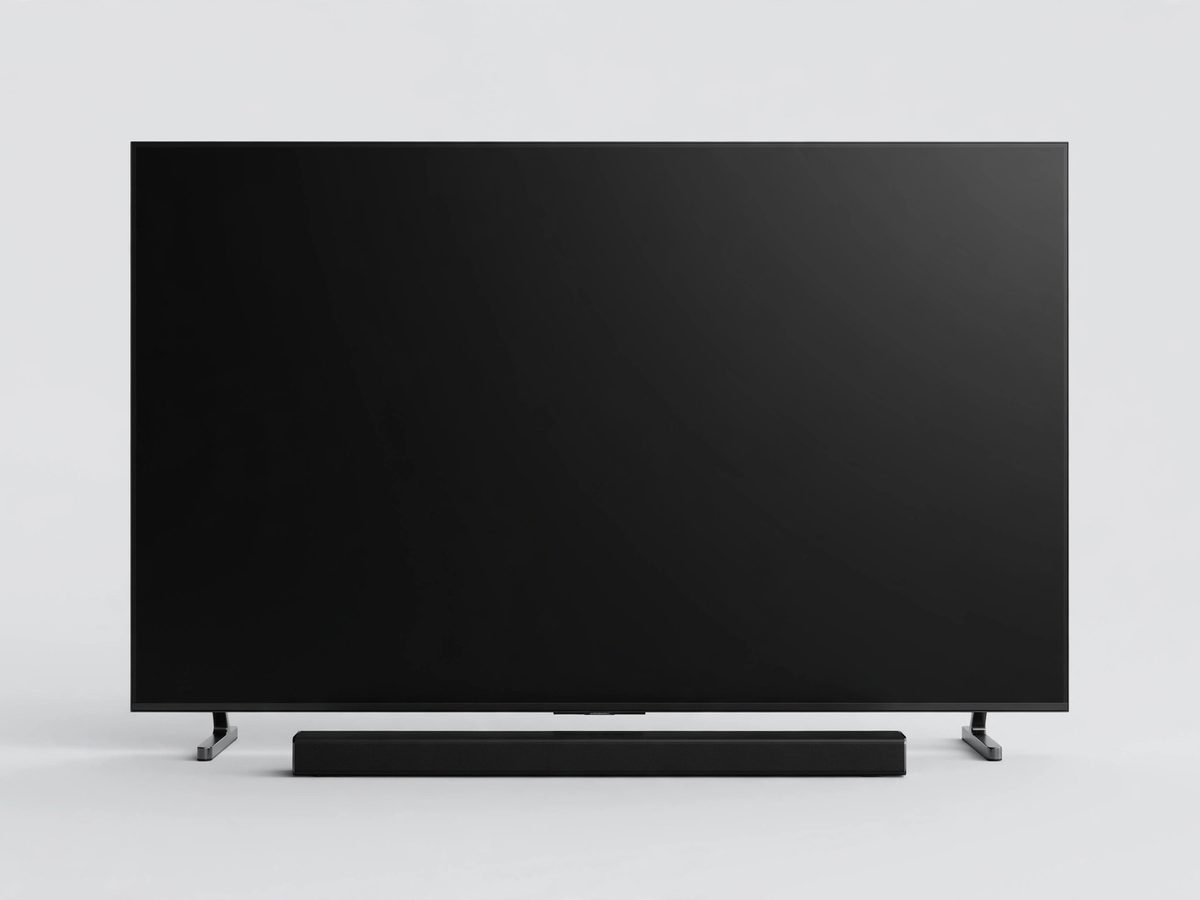
- Soundbar. A single long speaker that sits under the TV. The simplest, cheapest big upgrade — one box, almost no wires. (We have a whole soundbars guide.)
- Bookshelf speakers. Small speakers, about the size of a shoebox, that sit on shelves or stands. Wonderful sound for their size.
- Tower speakers. Tall floor-standing speakers. Big, full, powerful sound — the classic home theater look.
- Center speaker. A wide speaker that sits under or above the TV. It carries the dialogue — the single most important speaker for hearing speech clearly.
- Surround speakers. Smaller speakers that go behind or beside your couch. They make the rain, the crowd, and the spaceship fly around you.
- In-ceiling speakers. Speakers mounted flush in the ceiling. Invisible when done, great for overhead movie sound — but installation takes real work.
- Subwoofer. The big box that makes the low rumbles — explosions, thunder, deep music. If your movies feel flat, this is what's missing.
How many speakers do you actually need?
- 5.1 means five speakers plus one subwoofer. For most living rooms, this is the sweet spot — full surround sound without going overboard.
- A soundbar with a wireless subwoofer is enough if you want simple: one bar, one sub box, done. It will still sound far better than the TV alone.
- Go to 7.1 or add overhead (Atmos) speakers only if you have a dedicated movie room and the budget for it. More speakers means more wires and more setup.
- Matching speakers to a receiver: every speaker has an “ohms” number printed on it — most home speakers are 8 ohms, and nearly every receiver handles those. When in doubt, ask before buying; mismatched parts are the most common reason a system sounds wrong.
Setup basics (the simple version)
- Connect the receiver to the TV with one HDMI cable — plug into the HDMI port on the TV labeled ARC or eARC. That one cable carries all the TV's sound to the receiver.
- Plug your other devices into the receiver — cable box, streaming stick, Blu-ray player. They all go into the receiver's HDMI inputs now, not the TV.
- Run the automatic setup. Plug in the small microphone that came with the receiver, place it where you sit, and let it tune the speakers for you.
- Pick the right input on the receiver when you watch — the receiver switches, not the TV.
When to call Sean instead
- You want help picking a receiver and speakers that fit your room and budget.
- Running speaker wire or mounting speakers is more than you want to take on.
- The sound worked yesterday and doesn't today — the receiver is probably on the wrong input.
- You want a full home theater set up from start to finish.
Straight 2 Work Tech, LLC — patient, plain-words tech help.
(813) 770-6082