Uber Eats: Set It Up and Use It
Uber Eats is one of the two big restaurant delivery services — and its account is your Uber account. Our Food Delivery lesson teaches food delivery in general, with DoorDash as its worked example. This page is the Uber Eats companion: setting up step by step (including the part that surprises people — if you have ever taken an Uber ride, you already have the account), then ordering, tracking your dinner, tipping — including changing a tip after the food arrives — Uber One, scheduling an order, and the Help flow when something goes wrong.
Words to know first
- Uber account: one account for both Uber rides and Uber Eats. Same sign-in, same payment methods, both services.
- Delivery person: the driver who brings your order. An independent driver, not a restaurant employee.
- Track: the app's progress screen for a live order — its status and a map.
- Uber One: the paid membership, covered below.
Setting up, step by step
Uber's own help gives two ways to order: the app, or the website. Setup follows the same steps in both.
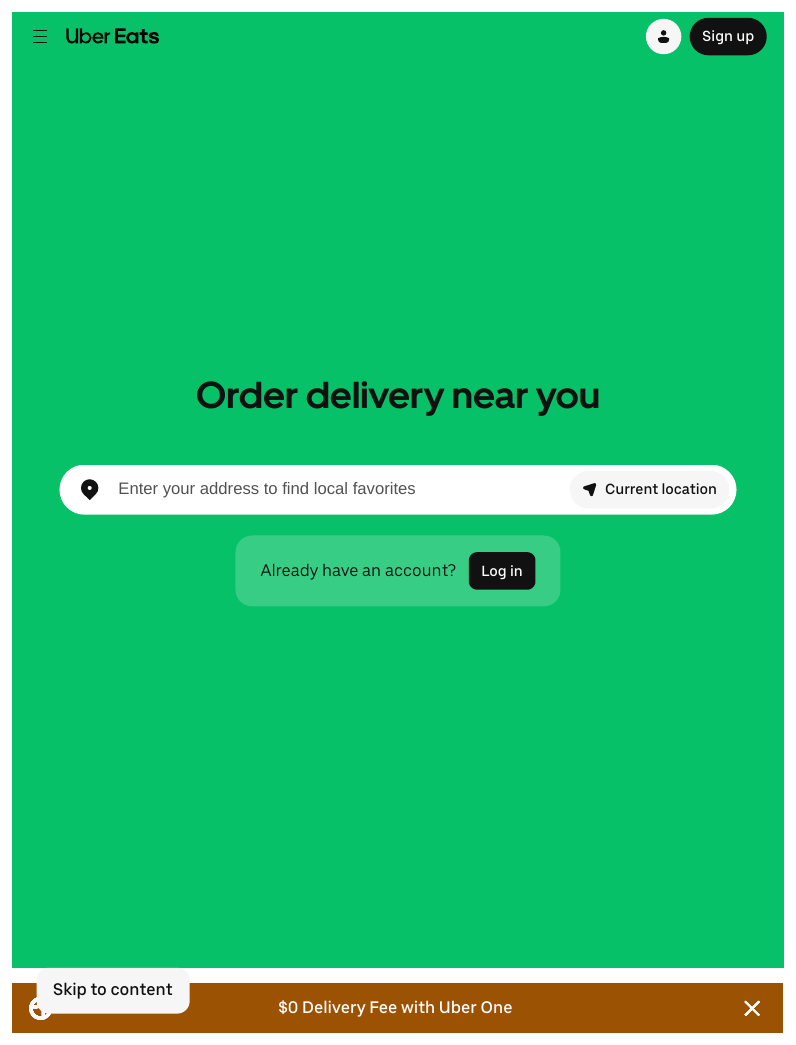
- Get the app, or open the website. The Uber Eats app is in the App Store (iPhone) or Play Store (Android); the Uber rides app carries Uber Eats inside it too. On a computer, go to ubereats.com.
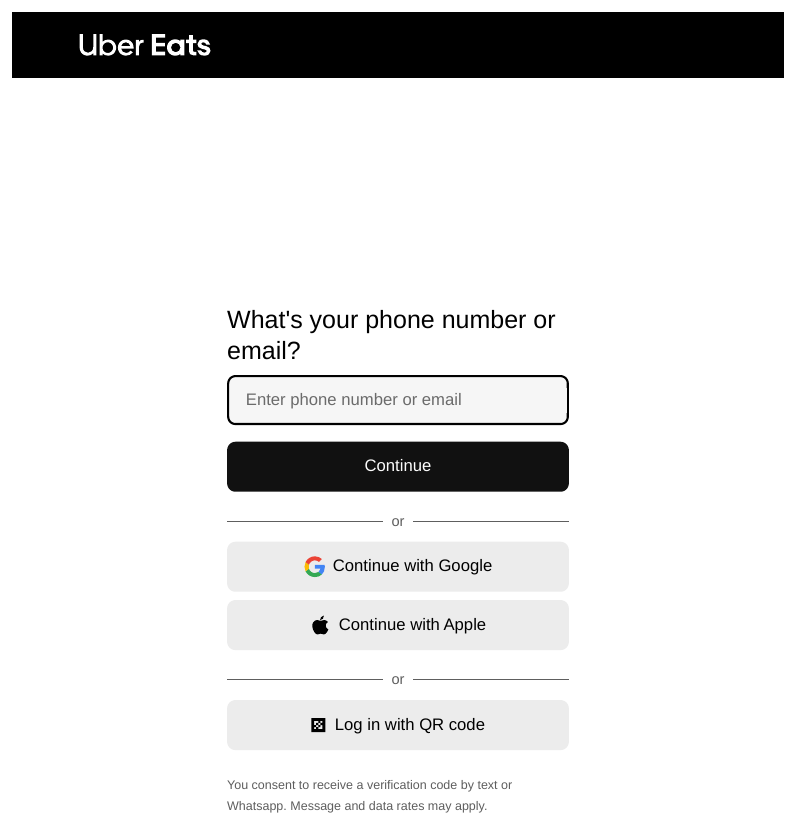
- Sign in — or create your Uber account. Already have an Uber account from rides? Sign in with it: your profile and payment details are already there. New to Uber? Creating the account asks for a valid email address and phone number, a password you make up, and your name.
- Prove the phone number. Uber texts a code to your phone; type it into the app when asked. No code? The verification screen has a Resend.
- Add a payment method. A credit or debit card is the standard choice. After setup, your payment methods live in the app under Account, in the Wallet section — that is also where you change them.
- Set your delivery address. Enter the address the food should come to — apartment or unit number too, if you have one. The app now shows the restaurants that deliver there. What you'll see: rows of restaurants with pictures of the food and how long delivery usually takes.
Placing an order
- Choose the restaurant you want to order from, and check the address at the top of the screen is the one the food should come to.
- Select your items and tap Add to Cart. Sizes, sides, and notes ("dressing on the side") are set dish by dish — Uber's order page works the same on the website.
- Choose delivery or pickup. Many restaurants offer pickup: you collect the food yourself and skip the delivery fee. The choice is offered on the restaurant's page and at checkout.
- Select View cart or Checkout, review the order — the food, the fees, the tax, and the delivery instructions (meet at the door, or leave at the door, plus anything the driver needs to know).
- Tap Place Order. The order is sent to the restaurant, and tracking begins.
Tracking your order
- Find it any time: tap the Account icon, then Orders, then your current order, then Track. Uber's help gives exactly that path. What you'll see: the order's status, an estimated arrival time, and a map once your delivery person is on the way.
- The stages, in plain words: the restaurant confirms and prepares your food; a delivery person is assigned and picks it up; the map shows them traveling to you; the food arrives.
- You can reach the delivery person from the tracking screen — a chat icon to message them, a phone icon to call. The numbers are masked: your real phone number stays private, and so does theirs.
- Uber's own tip: if you are using the app, keep your phone's volume on, so you hear when your order arrives.
Tipping — including afterward
- The tip screen is the last screen before you place the order. Pick an amount or a percentage, or tap Other to enter your own. Why a fair tip matters — drivers see the offer before they accept — is taught in the Food Delivery lesson.
- Changed your mind after? Uber's help page says the tip you set at checkout can be changed for up to one hour after the order has been delivered.
- After delivery, the app prompts you to rate the order and add a tip if you had not. A tip added at that point cannot be changed once added — and Uber emails you an updated receipt showing the new amount.
- Later still: tap Orders, then Past Orders, pick the order, rate it, choose a tip, and Submit. Uber allows that for up to 40 days after delivery — again, once added, the tip cannot be changed.
Uber One: the membership
- Uber One is one membership covering both Uber Eats and Uber rides — a monthly or yearly fee. On Uber Eats, members pay no delivery fee on eligible orders over a minimum amount, and get a percentage off eligible orders; there are perks on rides as well.
- Learn your habit first. If Uber Eats becomes a weekly habit, the membership can pay for itself in fees removed. If it stays a rare treat, it cannot.
Scheduling an order
- Uber Eats lets you order now and schedule delivery for later — dinner ordered at lunch, arriving at six. Look for the delivery-time choice ("deliver now" or a scheduled time) on the restaurant's page or at checkout.
- Not every restaurant offers it, and scheduled times depend on the restaurant's hours. If the choice is not there, that restaurant is now-only.
When an order goes wrong
- Open the order itself. Orders, then the order, then Help on that order. Everything about a problem order is handled there — Uber Eats has no general customer phone line; the order is the door.
- Check your final receipt first. Uber's own first step: if the restaurant could not get an item, they may already have taken it off your bill.
- Choose the problem that fits. Wrong or missing items is its own choice; an order that never arrived, and receiving someone else's whole order, are separate choices under the same Help. Send the details through the form on the order — a photo helps, as the Food Delivery lesson teaches.
- Mind the clock on missing or wrong items: Uber says to send the report within 48 hours to be eligible for a refund.
- The answers are a refund to your payment method or Uber Cash — credit that lives in your Uber account and comes off a future order. Uber reviews the report and adjusts the charge as needed.
Groceries instead of restaurants? Grocery Delivery teaches that side, and Instacart: Set It Up and Use It is its setup companion. All five delivery apps together are in Ride & Delivery Apps, and the everyday set side by side in Everyday Life Apps at a Glance.
Words in this lesson
- Uber Cash: credit that lives in your Uber account, applied to future orders or rides.
- Past Orders: your order history, under Orders — where receipts live, and where a late tip can still be added.
- Checkout: the final screens where you review the total, set the tip, and place the order.
Straight 2 Work Tech, LLC — patient, plain-words tech help.
(813) 770-6082