Never Power Off During a Windows Update
Turning the power off while Windows is updating can cause update failures, boot problems, and system corruption. Let it finish — a smoother PC is worth the wait.
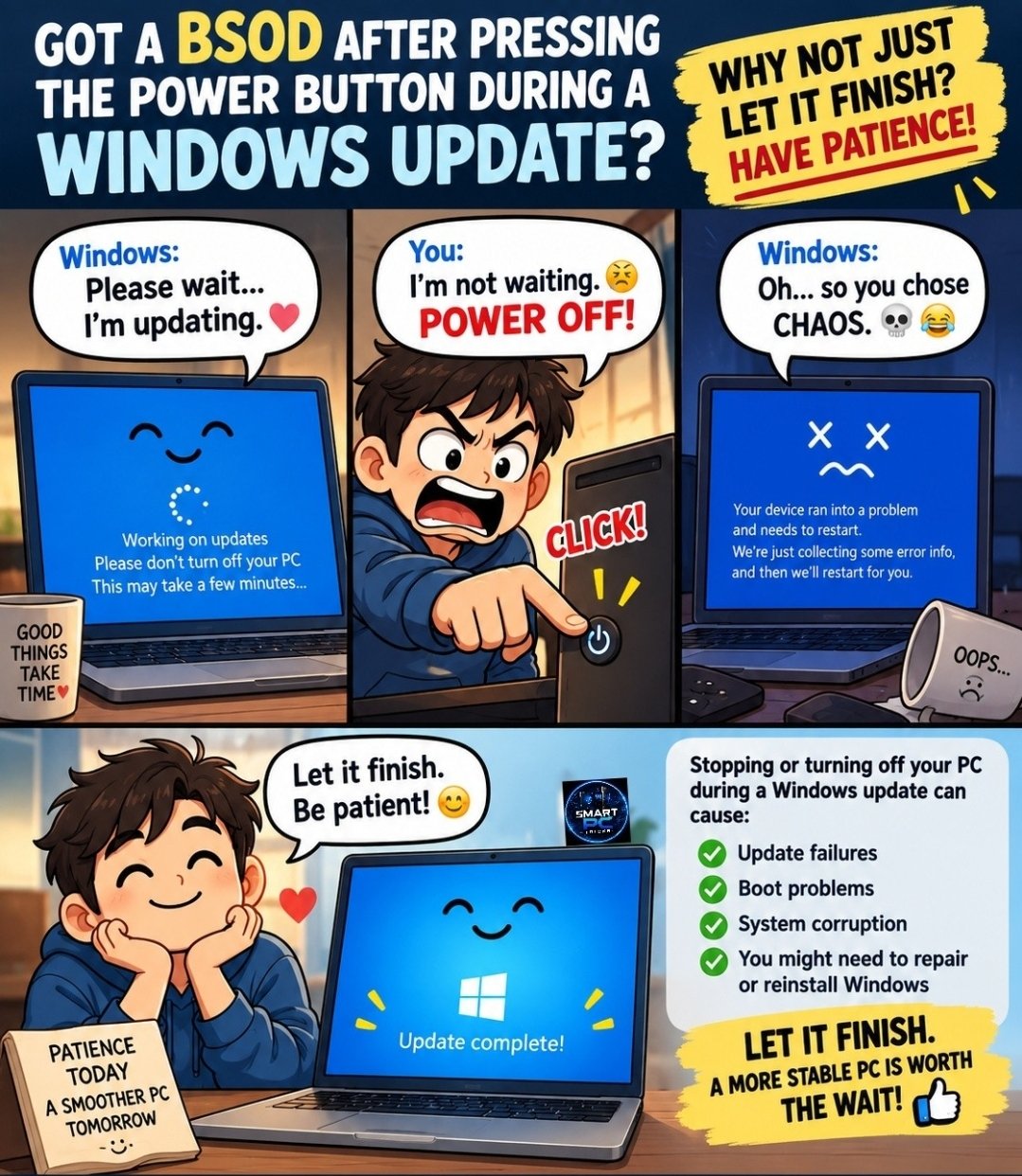
Already did it? Here is what to do now
First, the reassuring part: Windows usually rescues itself. Turn the computer back on and let it work. When an update is interrupted, Windows normally notices, undoes the half-finished update, and puts things back the way they were. You may see a screen saying exactly that — "undoing changes" or "getting things ready."
Then wait — longer than feels right. That rescue can take up to an hour on a slower computer, with the screen looking stuck. Leave it plugged in and leave it alone. Switching it off again during the rescue is the one thing that can turn a recoverable problem into a real one.
If, after a long wait, the computer loops back to the same error, or never reaches the sign-in screen at all, the next step is a repair tool called Startup Repair — that is the point where it becomes a call-us job rather than a keep-trying job. You have not lost your photos or files by pressing that button; the fix is almost always about the update, not your things.
Need a hand with this in person? Call (813) 770-6082 — Straight 2 Work Tech, LLC, Sun City Center, Florida.