Text Too Small to Read? Make Text Bigger
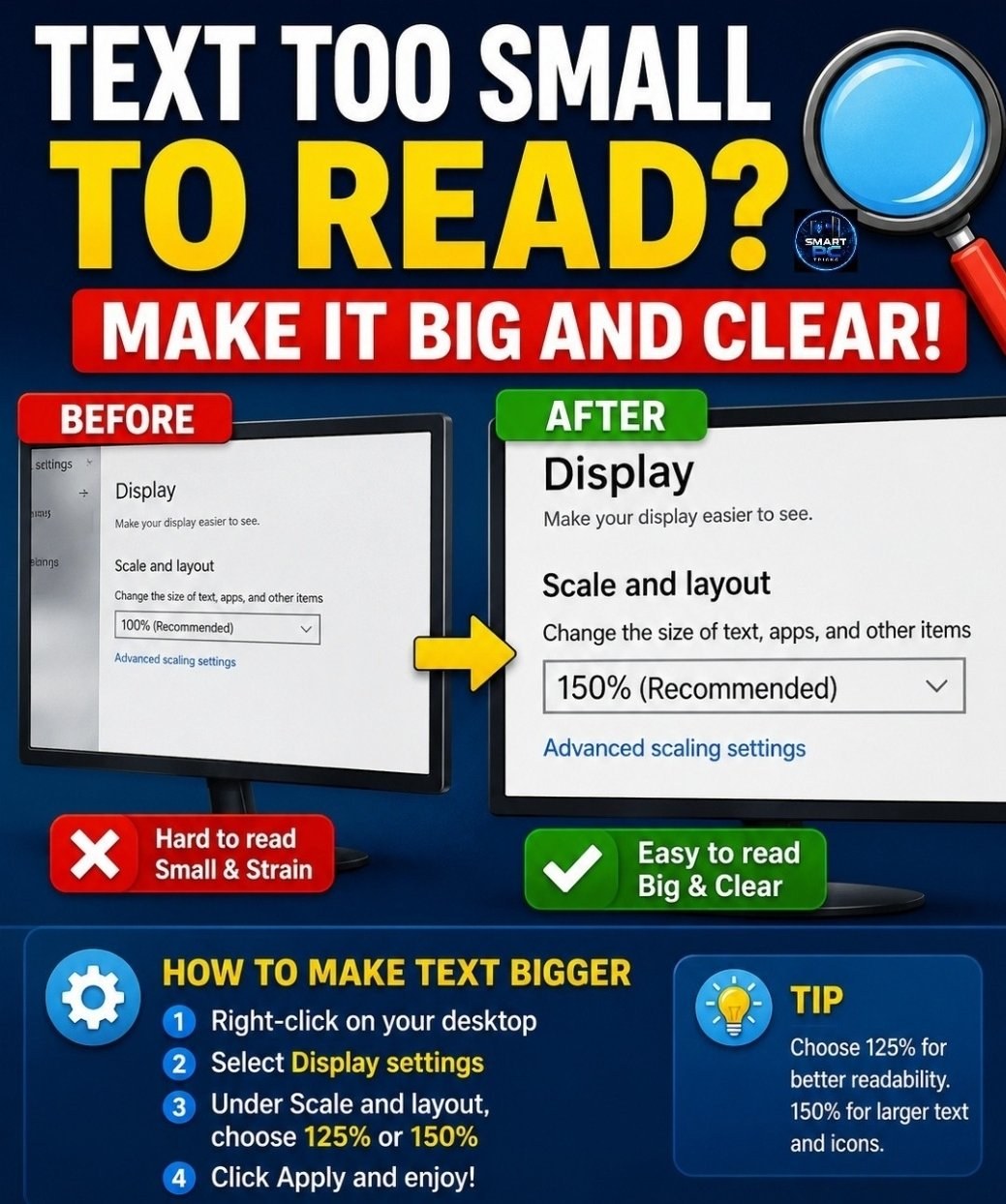
If screen text is hard to read, right-click the desktop, open Display settings, and raise Scale and layout to 125% or 150%. Everything on screen gets bigger and clearer.
Need a hand with this in person? Call (813) 770-6082 — Straight 2 Work Tech, LLC, Sun City Center, Florida.