New Phone? Transfer Checklist
Back up first, use Quick Start or Smart Switch, watch the authenticator-app trap, and do the five-minute check before wiping the old phone.
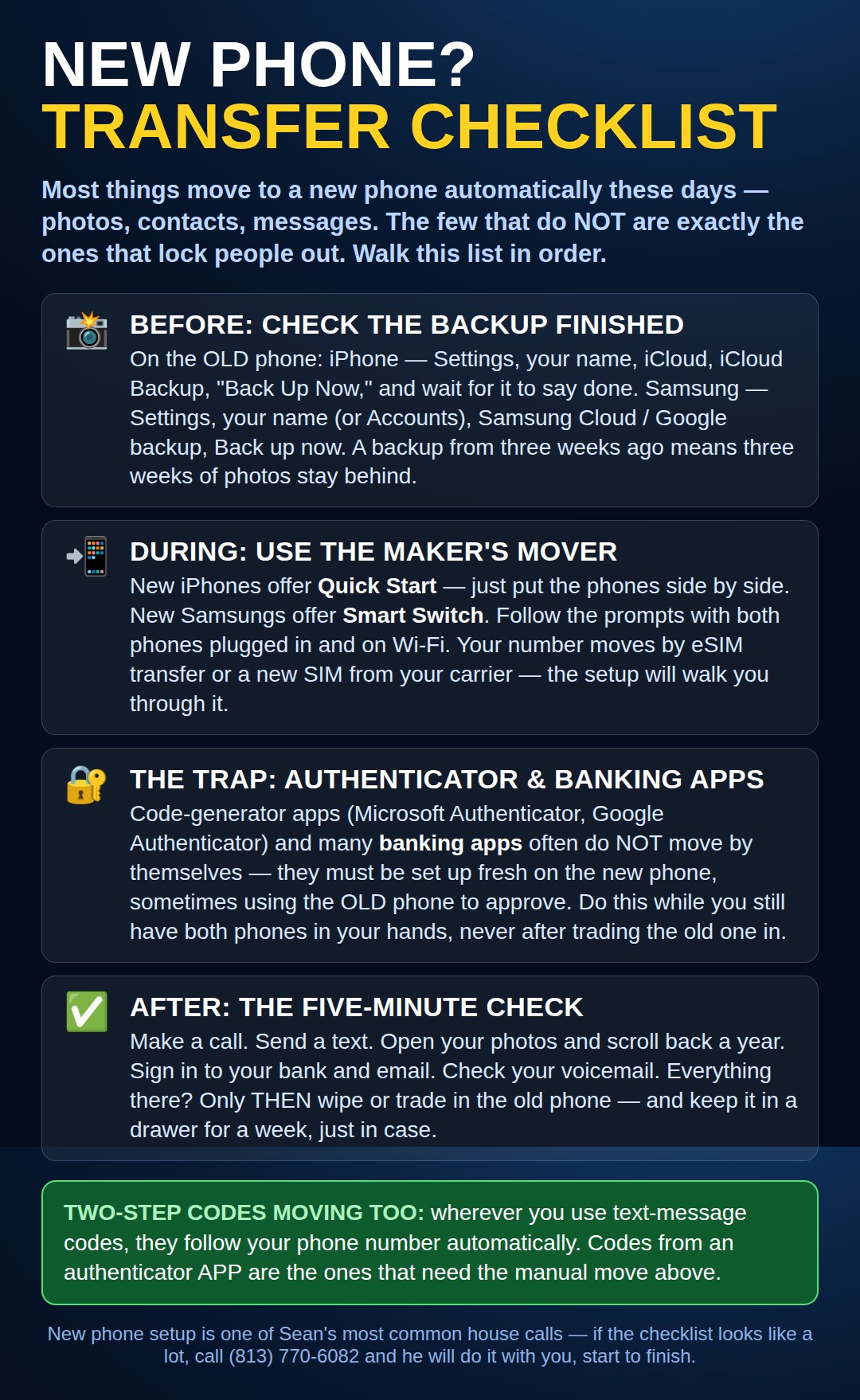
On a Google Pixel or Another Android Phone
Check the backup first: open Settings → System → Backup, make sure the switch is on, and tap Back up now. Wait until it finishes before you start — this is the Pixel’s version of the backup check at the top of the picture.
Move with the cable: as the new phone sets itself up, choose the offer to copy your apps and data, and connect the old and new phones with the cable if it asks. The cable copy is the fastest, most complete route. The authenticator and banking warnings in the picture apply exactly the same.
Switching Sides — iPhone to Android, or Android to iPhone
Neither maker’s mover crosses over, so switchers use a different free app. Coming to an iPhone, the mover is Apple’s Move to iOS app, put on the old Android phone. Going to Android, it is Google’s Switch to Android app — many new Android phones offer the copy during setup itself. Both move your photos, contacts, and messages; banking and authenticator apps still need the careful sign-in the chart warns about, on whichever side you land.
Need a hand with this in person? Call (813) 770-6082 — Straight 2 Work Tech, LLC, Sun City Center, Florida.