Find Every Subscription You Pay For
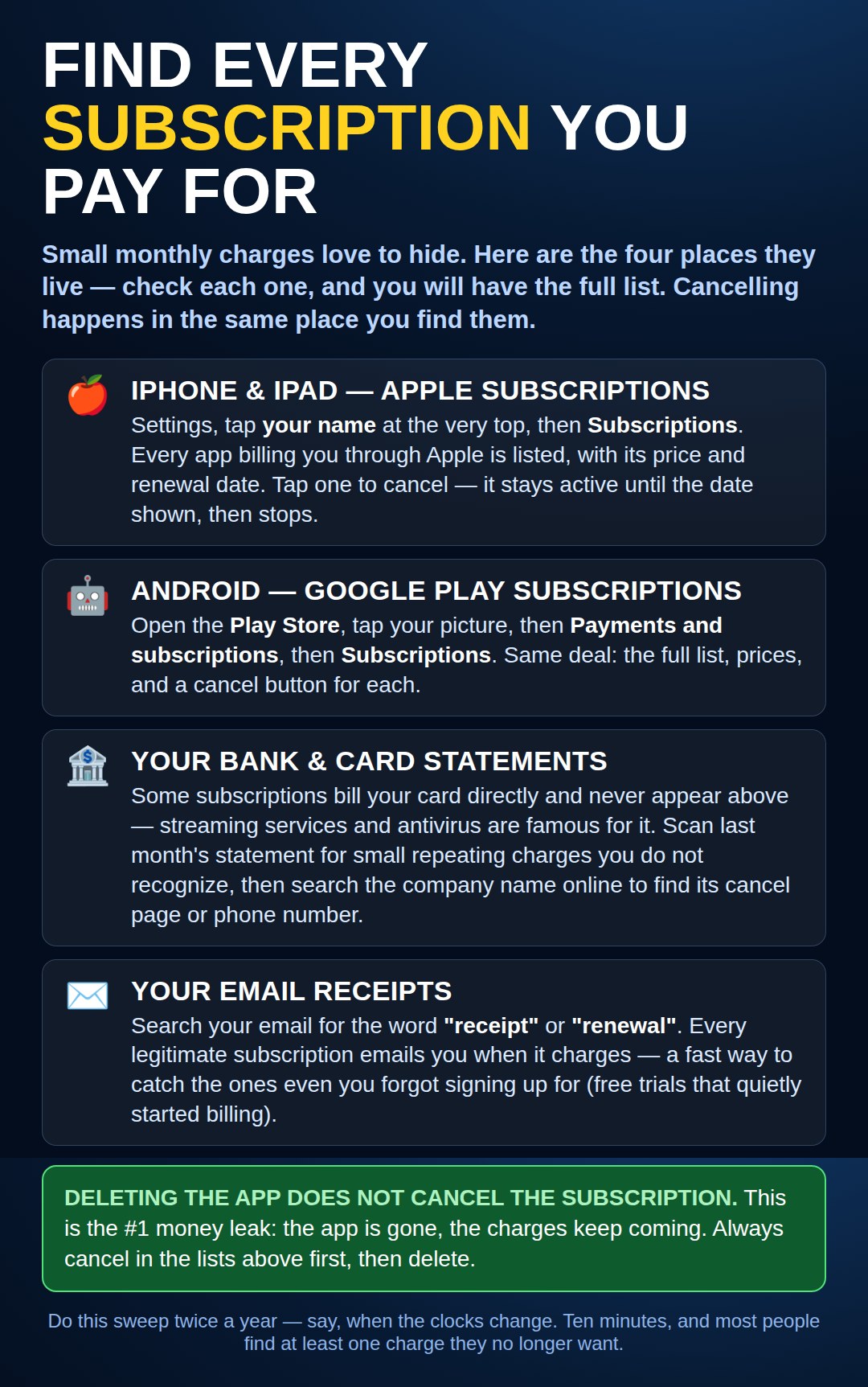
The four places subscriptions hide: Apple, Google Play, your card statement, and your email receipts. Deleting the app never cancels one.
One More Hiding Place: The TV Itself
The four places in the picture miss one door. If you ever bought a channel or service on the TV screen itself — Paramount+, Max, or another channel inside Roku or an Amazon Fire TV — that subscription is billed by Roku or by Amazon, and it appears in none of the four lists.
Bought it on Roku? Go to my.roku.com, sign in, and open Manage your subscriptions to see and cancel them.
Bought it on Fire TV? On amazon.com, open Account → Memberships & subscriptions — Fire TV channels are listed there and can be cancelled there.
One smaller door of the same kind: payments set up inside PayPal repeat quietly, too. In PayPal, look under Settings → Payments → Automatic payments to see every one and stop any you no longer want.
Need a hand with this in person? Call (813) 770-6082 — Straight 2 Work Tech, LLC, Sun City Center, Florida.